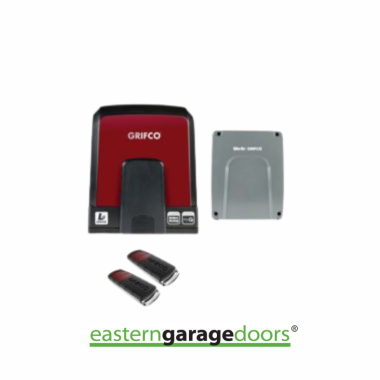
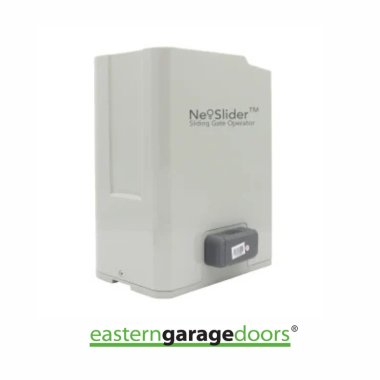
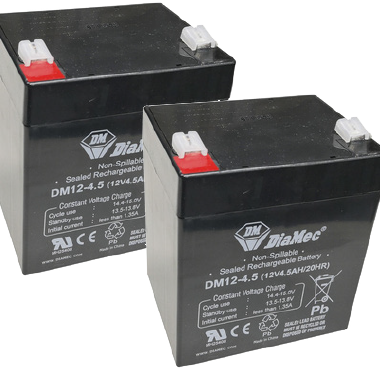
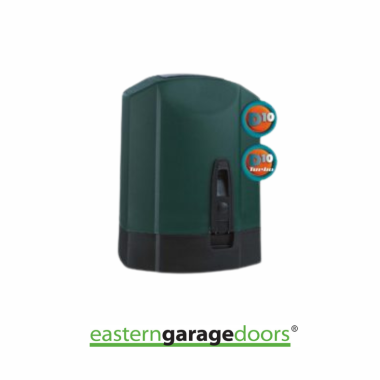
If you’re unsure which garage door opener you need, please fill out the form below. You’ll be guided through a series of questions designed to help determine the garage door opener that best fits your unique needs and circumstances.
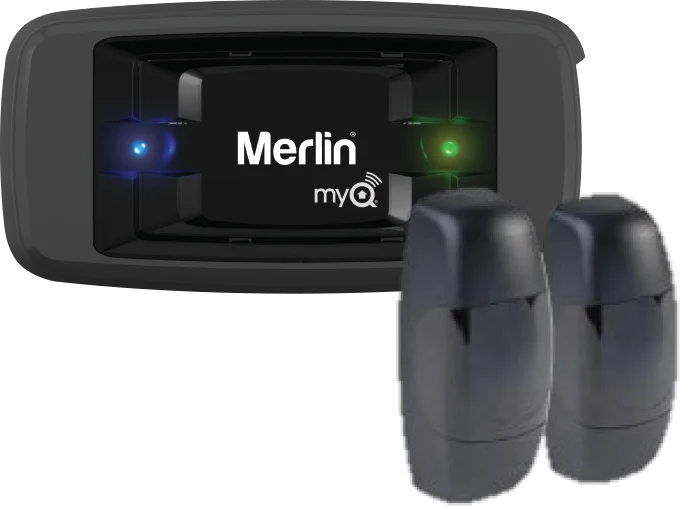
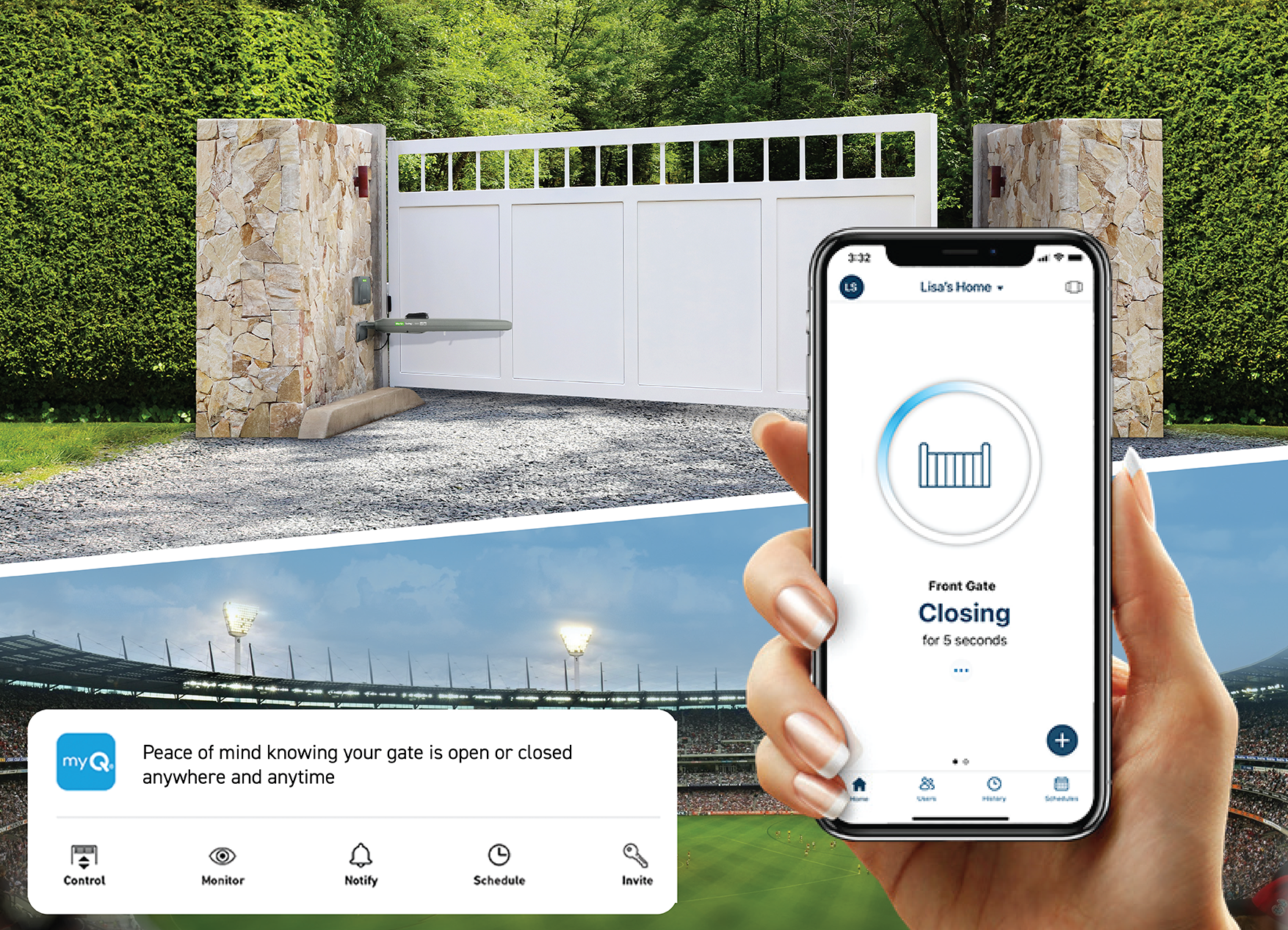
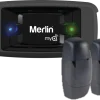
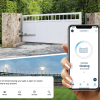
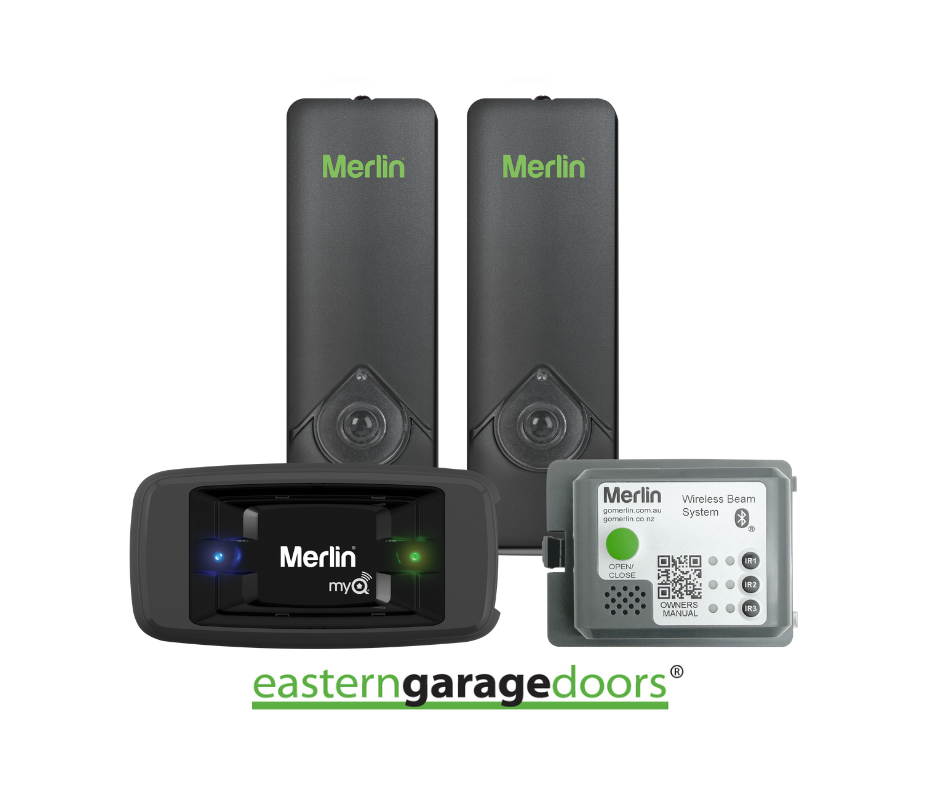
Take control of your gate from anywhere with the myQ Connectivity Kit – a smart, easy-to-use bundle that puts convenience and safety in your hands. Featuring the myQ Gateway and Outdoor Protector System™ (IP44 Safety IR Beams), this kit lets you monitor and manage your gate remotely via the myQ App.
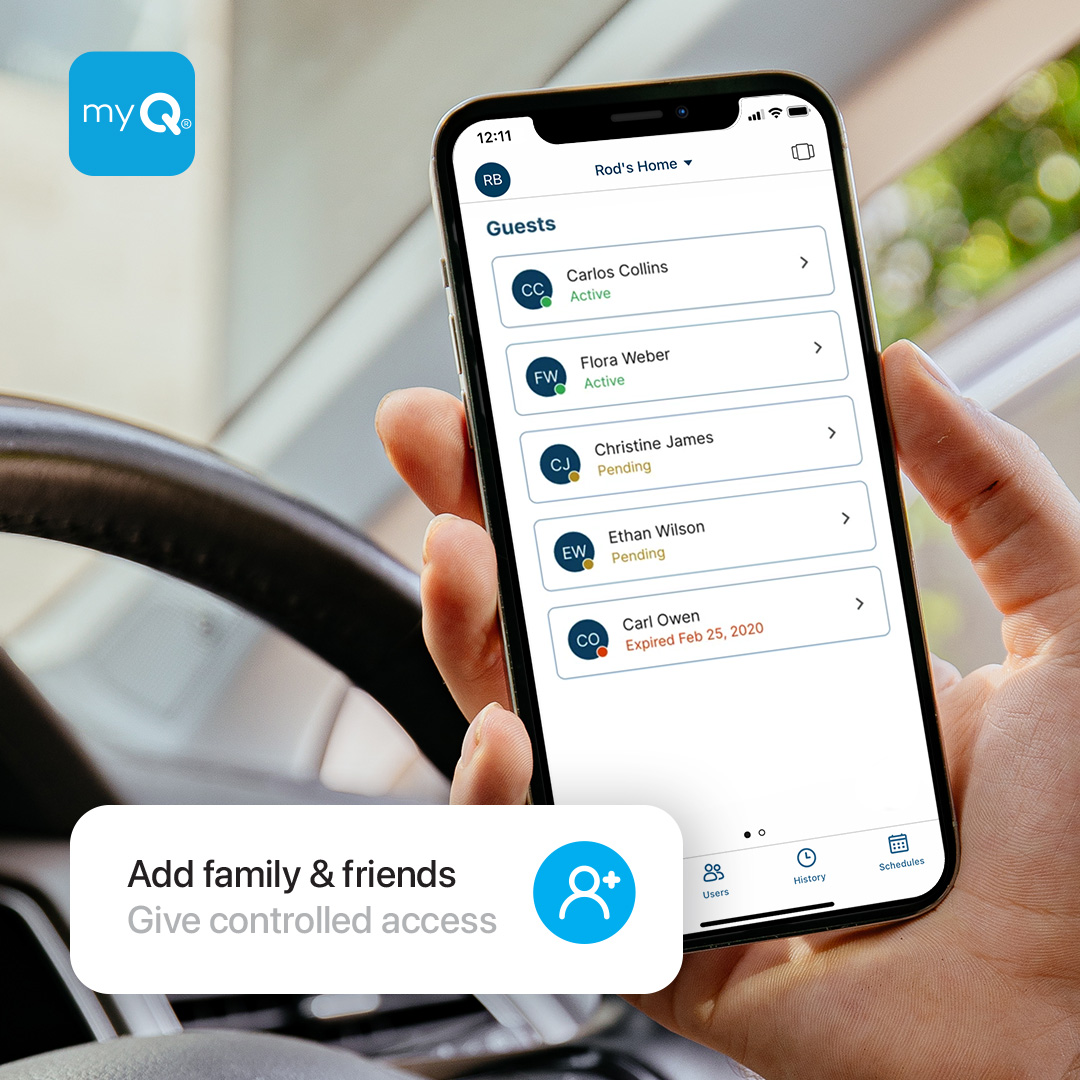
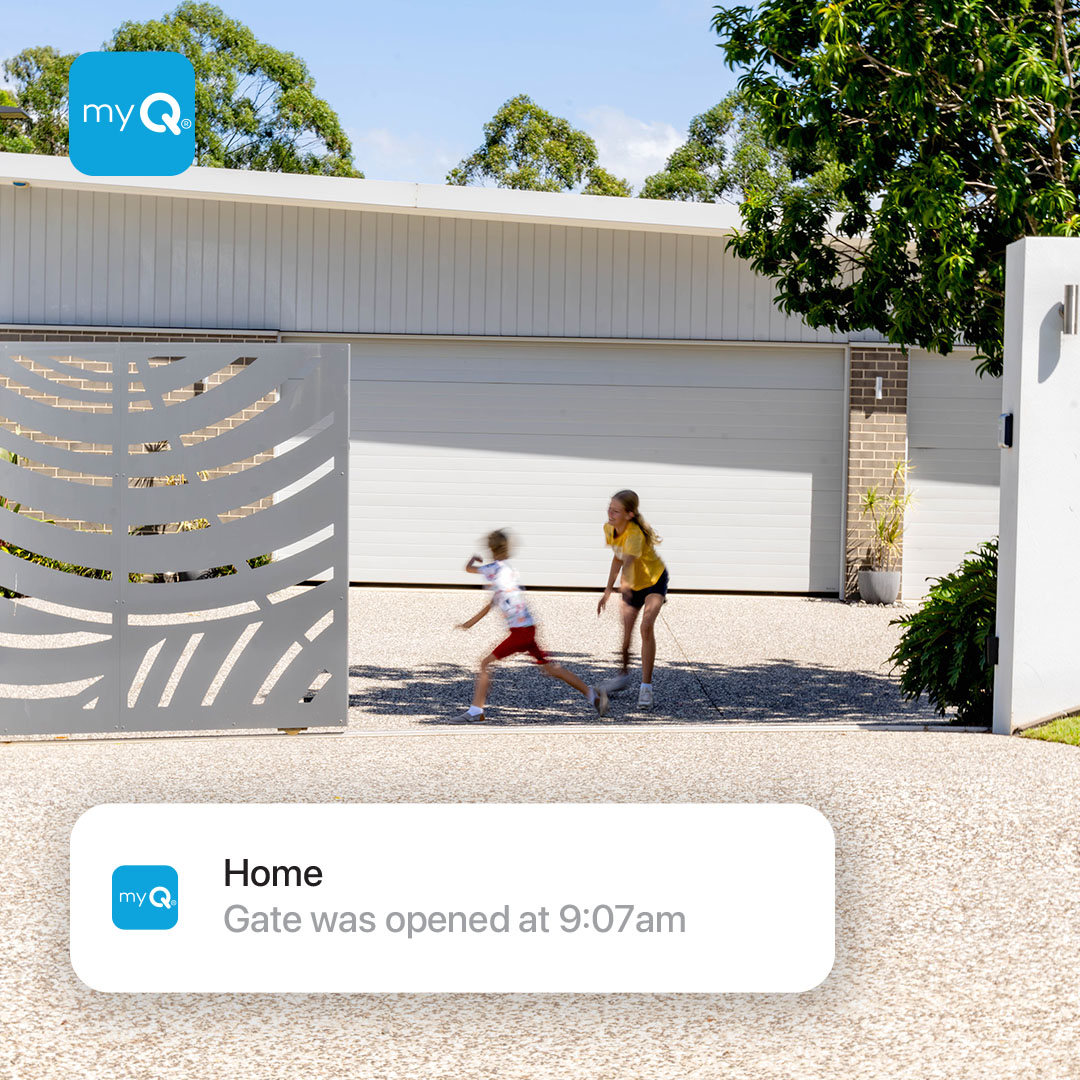
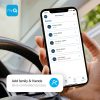
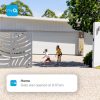
Whether you’re at home, at work, or away on holiday, the myQ App keeps you connected. Open and close your gate from your phone, get real-time alerts, and even schedule automatic closing times to suit your routine. You can also securely share access with up to five users, making it easy to include family or trusted guests.
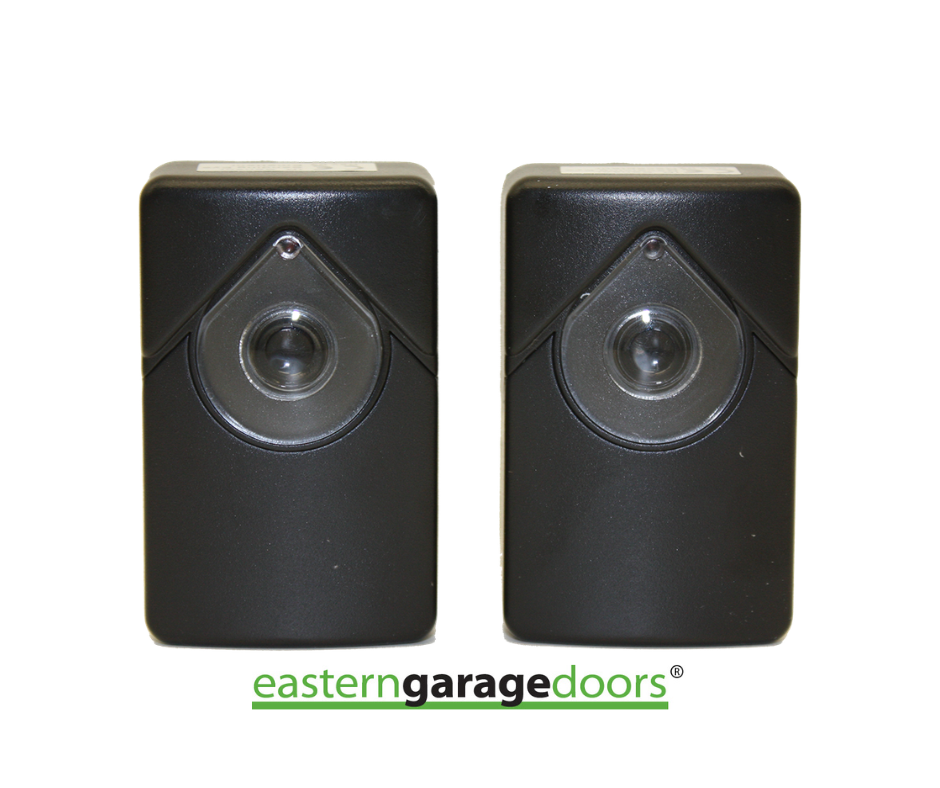
The included Outdoor Protector System™ adds an extra layer of safety by detecting obstructions and preventing your gate from closing on vehicles, pets, or loved ones. Built for outdoor use, the IP44-rated IR Beams deliver reliable protection in various weather conditions.
Whether you’re upgrading your current setup or installing a new system, the myQ Connectivity Kit for gates offers a seamless way to enhance both security and convenience – so you can enjoy peace of mind, wherever you are.
The myQ App is compatible with Apple devices operating on the three latest versions of iOS. Apple Watch requires watchOS 9 or higher, and Android devices must be running Android 7.1 Nougat or higher. Windows devices are not supported.
Please note that as new versions of the myQ App are released, older versions of iOS and Android operating systems may no longer be compatible.
myQ Performance Disclaimer
The performance of the myQ Gateway depends on radio frequency (RF) communication, not Wi-Fi. Reliability may vary based on the distance between the Gateway and your gate, as well as environmental factors such as walls, metal surfaces, and other sources of interference.
For best results, install the Gateway:
• Close to the gate opener (additional network equipment may be required)
• Away from sources of interference
• In a location with a clear RF signal path