






Smart Garage Technology
Planning myQ Gateway Placement: What Can Affect Smart Garage Access Performance
Oct
Archive edition: 20 October 2026 | First published: 20 October 2026 | Reviewed and updated: 14 October 2026
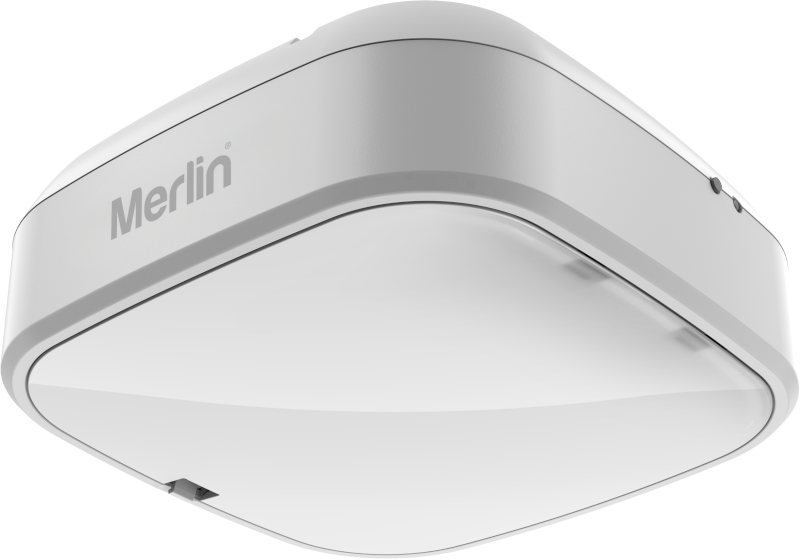
Smart garage access needs more than a phone with a good signal. A Merlin myQ Gateway sits between a compatible opener, the home network and the myQ app. Its location can affect how well those parts communicate, which is why placement deserves a short conversation before installation rather than a promise that the app will work perfectly everywhere.
This is a planning guide, not a do-it-yourself placement or wiring guide. A gateway should be installed and configured with the correct compatible equipment. Do not move electrical equipment, drill into a garage structure or change door settings in an attempt to improve a signal.
Confirm compatibility before discussing placement
Placement cannot make incompatible equipment compatible. Start with the model number of the Merlin opener and the proposed myQ hardware. Merlin’s M828AU myQ Gateway page includes a compatibility check and says the product is not compatible with tilt garage doors. It also says Safety IR Beams are separately available and required for full functionality.
That information should be checked against the specific garage door, opener and planned use. Ask the installer to confirm the equipment before purchasing accessories or assuming that a gateway will work because another Merlin product does. Merlin’s support centre maintains current documents for models and accessories, which is a better reference than an old social post or a generic remote guide.
Separate network connection from garage communication
There are two different communication questions. The gateway needs a working connection to the home network and internet. It also needs to communicate with the compatible garage opener. A router located elsewhere in the house may be working perfectly while the gateway-to-opener link still needs consideration.
Merlin states that performance of the M828AU Gateway depends on radio-frequency communication, not Wi-Fi alone. It says reliability may be affected by distance, walls, metal surfaces and other sources of interference. This is a practical reason to show the installer the garage layout, storage, surrounding structure and any recent changes. It is not a basis for a guaranteed range or performance claim.
Map the real garage environment
Before the visit, think about what sits between the likely gateway location and the opener. Metal shelving, large appliances, vehicles, storage cabinets and structural walls may all be relevant. You do not need to diagnose interference yourself. A simple sketch, photos and a description of the layout are enough to begin the conversation.
Also mention whether the modem or router has moved, whether the garage has had electrical work, or whether the smart-access problem appeared after renovation. A technician can decide whether the physical arrangement calls for a different equipment plan. Avoid moving a gateway to an improvised position with a long extension lead or unsecured cable; that can create a separate safety and reliability issue.
Power and network details that help
Tell the installer where a safe, suitable power source and the network equipment are located. The current Merlin myQ guidance for an Internet Gateway refers to its power connection and Ethernet cable, so the available network path is part of the planning conversation. Do not assume the gateway connects directly to the same network path as every other smart device.
It is useful to identify who manages the home network and whether there are access restrictions, a recent router replacement or an internet service issue. Those facts help separate an installation question from a household-network question. Keep passwords, recovery codes and account logins private; there should be no need to share them in an email or leave them with an unverified caller.
Consider the safe use of smart access
Remote visibility and app control can be convenient, but they do not remove the need to keep the doorway clear. Do not operate a door remotely when you cannot be satisfied that the opening is safe. Do not treat smart connectivity as an answer to an opener or door fault. If the door reverses, stalls, moves unevenly or has damaged parts, stop using it and seek professional advice.
Access management is worth planning too. Decide who genuinely needs access and review it when circumstances change. Merlin describes guest profiles for applicable myQ products. Use official account controls for that purpose rather than sharing one primary login across a household.
What to photograph before asking about placement
A few ordinary photographs can make a placement discussion much more productive. Take one wide image showing the garage door and opener, one showing the likely route to the home network equipment, and one showing the surrounding storage or metal shelving. Include any fixed wall, ceiling beam or cabinet that sits between the opener and the possible gateway location. There is no need to photograph account screens, router passwords, serial numbers or personal documents.
Write down whether the issue is new, intermittent or present since installation. Note any recent changes to the garage, modem, router or stored equipment. This evidence does not diagnose an interference problem, but it gives the installer useful site context. The technician can then confirm compatibility and recommend the appropriate equipment arrangement instead of relying on a signal-strength guess made from a different home.
Questions to ask during planning
- Is the proposed myQ equipment compatible with my exact Merlin motor and garage door?
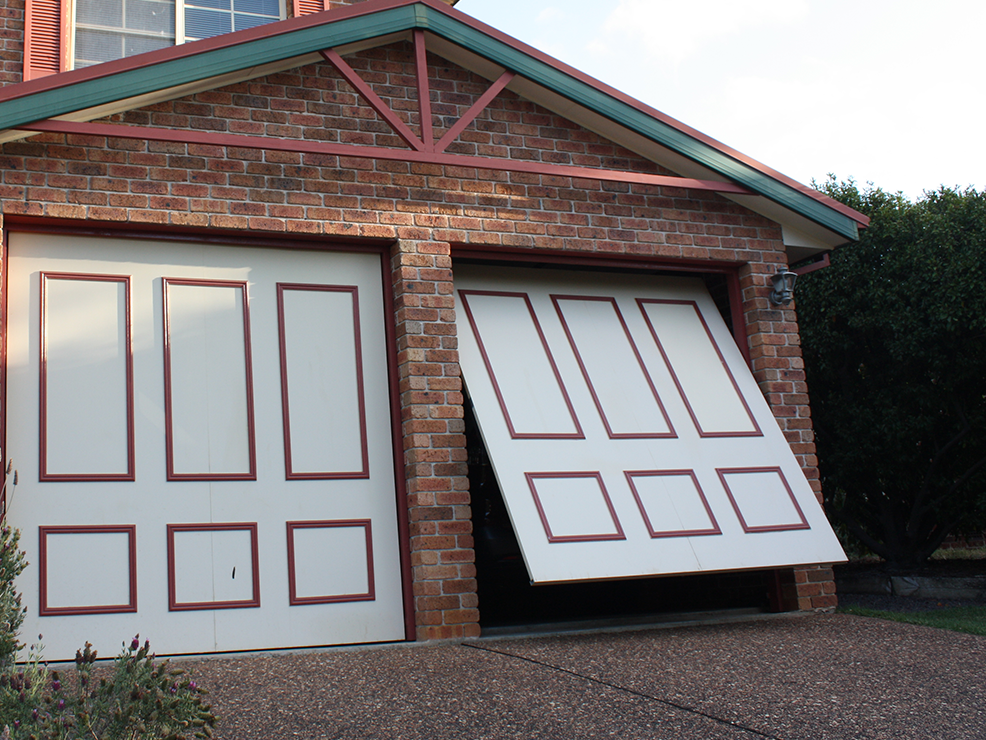
- Does this door type have any compatibility limits?
- Where will the gateway connect to power and the home network?
- What in my garage layout could affect gateway-to-opener communication?
- What safety equipment is required for the proposed function?
- How should our household manage app access and support requests?
Eastern Garage Doors can help Melbourne homeowners assess the compatibility and site conditions around a smart-garage plan. Contact the Eastern Garage Doors team with the model number of your current opener and a short description of the garage layout.