






Smart Garage Technology
Who Should Have Access to Your Merlin myQ Garage?
Sep
Reviewed and updated: 14 October 2026
Deciding who should have access to a connected garage is a household-management question before it is an app question. The starting point is whether the exact Merlin opener, door type and myQ setup are compatible. Once that is confirmed, access should reflect real use: the people who need it, the time they need it, and the responsibility to keep the door area clear. It should not be treated as a default invitation for every visitor who might enter the property.
Confirm that the installation supports myQ
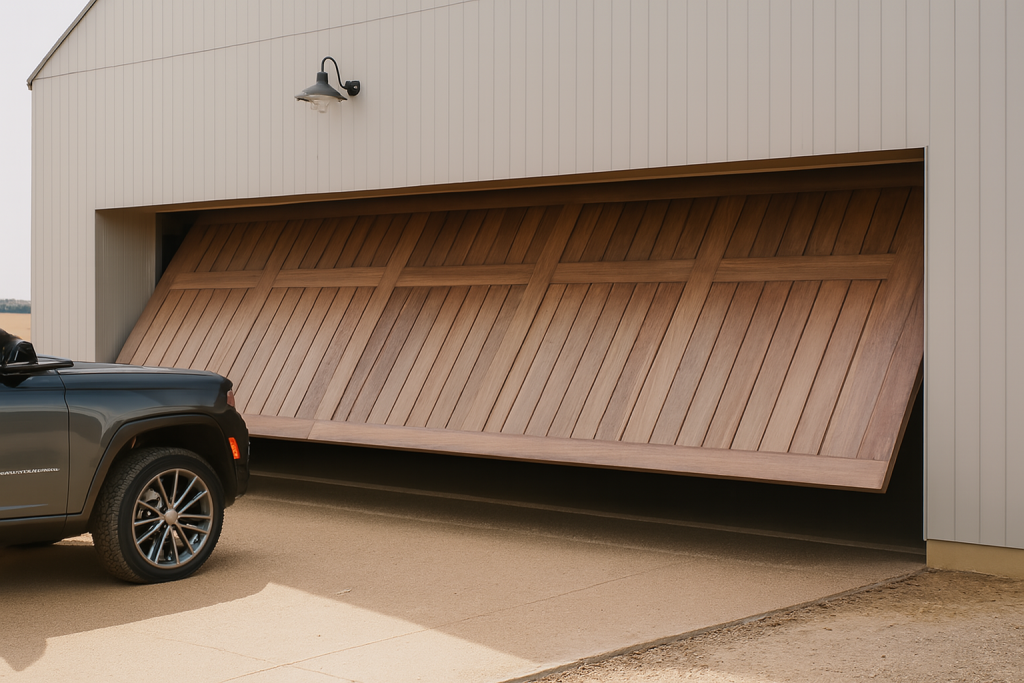
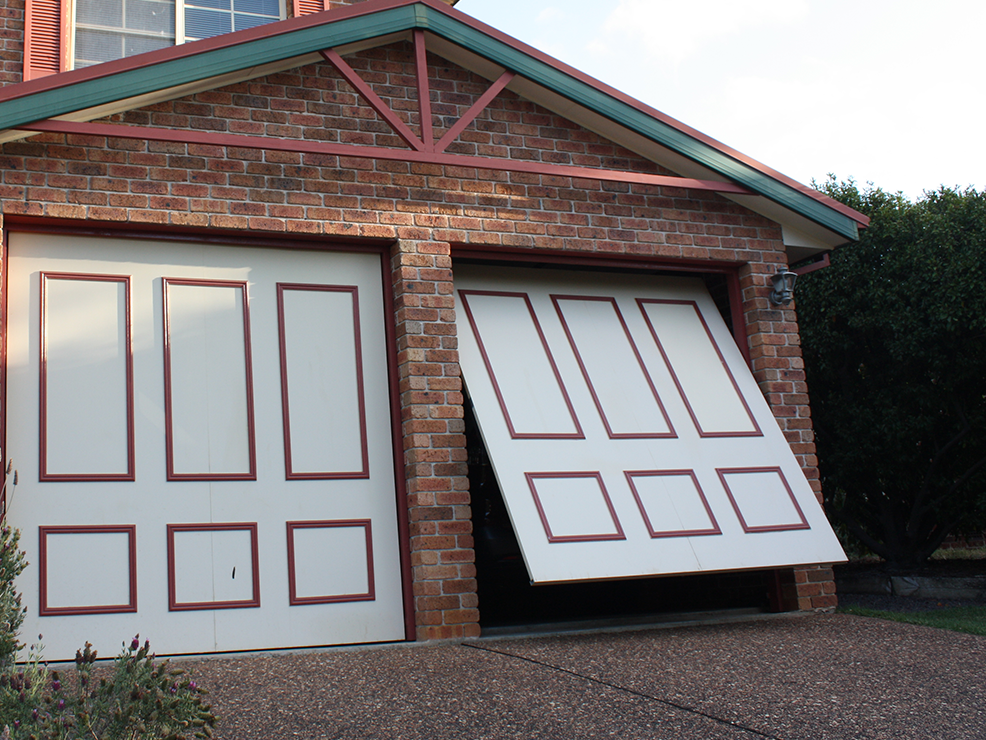
Check the motor label and the door type before discussing account users. Merlin says that myQ connectivity requires compatibility between the door and motor, and its current material distinguishes eligible arrangements. For example, Merlin says myQ functionality is not compatible with tilt doors. An app icon, an older remote or a general product family name is not confirmation for a particular installation.
If compatibility is uncertain, use current Merlin information or ask the installer or Merlin to confirm the exact arrangement. Do not buy, fit or configure equipment on the assumption that all Merlin openers have the same connected functions. The account discussion should start only after the installed or proposed system has been identified.
Give account access to regular responsible users
Consider the people who routinely enter through the garage and who can follow the household’s ordinary access routine. This might include adults in the home or another regular user with a genuine need to enter. Make the decision deliberately rather than sharing one account credential informally. Account access can be reviewed when a person’s role in the household changes.
Before someone is given access, explain where people wait while the door moves, how the driveway is used, and what to do if the door is not operating normally. Digital access does not change the need to confirm that the opening is clear. It also does not make a remote control suitable for children or remove the need for adult supervision around vehicles and moving equipment.
Keep guest access specific
A guest, cleaner, tradesperson or family visitor may need a way to enter at a particular time, but that need should be defined before access is offered. Consider whether another supervised entry is more appropriate. Do not share access merely because someone is expected to be nearby, and do not assume that an occasional visitor understands the garage routine.
If the confirmed myQ configuration provides a suitable sharing option, follow the current Merlin instructions for that setup and review it afterwards. Do not describe a feature as available without checking the exact account and compatible product. Tell a visitor not to stand beneath or pass through a moving door, and do not expect them to diagnose a fault or make equipment changes.
Review access when circumstances change
Access decisions should be revisited after a move, a relationship or tenancy change, a lost phone, a change in care arrangements or a new household routine. A brief review is more useful than trying to reconstruct who has access during an urgent situation. Keep the list of authorised people small enough that the household can explain why each person needs it.
Where a user no longer needs access, remove it through the relevant account process for the confirmed setup. Do not compensate for an unclear account by giving more people the main login. Keeping access personal and reviewable helps the household retain control of its own routine without making unsupported claims about technology or security outcomes.
Set a clear rule for abnormal operation
Every authorised user should know that access is not a reason to operate a door that is visibly damaged, crooked, scraping, moving unevenly or responding unpredictably. The practical response is to stop using it, keep people and vehicles clear, and report what happened. A connected notification or control does not replace a professional assessment of abnormal movement.
No one should adjust springs, cables, tracks, opener settings or electrical parts in response to an access problem. Record the model, the current door position and the observable symptom. This gives the service conversation useful information while avoiding the risk of turning a software or access question into unsafe work on a moving door system.
Keep the household record useful
Retain the Merlin model information, relevant instructions and a simple record of who is authorised to use the garage. Avoid placing passwords or private account details in a broadly shared document. The useful record identifies the equipment and the access decision, while personal account credentials remain private to the appropriate users.
The right list is the one that matches the actual household and compatible system. Review it when use changes, and confirm current Merlin instructions before adding a feature or user pathway that was not part of the original setup. This keeps myQ access as an organised part of garage use rather than an uncontrolled substitute for a clear household routine.
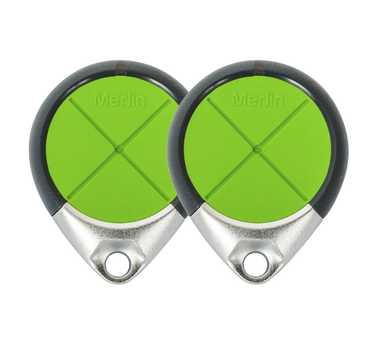
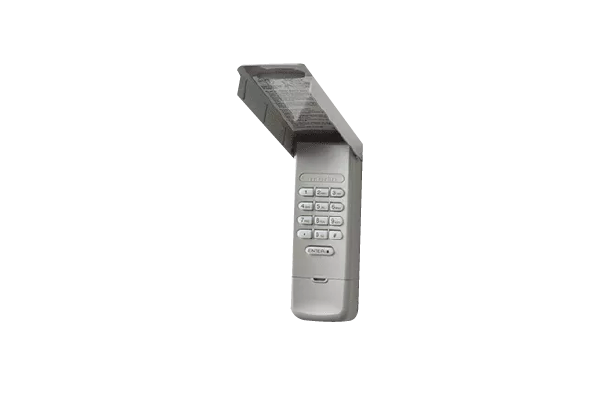
Keep ordinary physical controls under the same discipline. A remote left in a vehicle, a spare handed out without a record or a control placed where children can use it may undermine the access decision made in the account. Digital and physical access should tell the same story: only people with a defined, current need should be able to operate the door.
Eastern Garage Doors can discuss the relevant door, opener and site information for your enquiry. Contact the team to arrange a discussion.