






Smart Garage Technology
Merlin Garage Technology: Which Features Need a Compatibility Check?
May
Reviewed and updated: 14 October 2026
Garage technology should be selected through the exact Merlin motor, door, accessory and intended household use, with compatibility confirmed before purchase. The practical starting point is a clear record of the garage door and the installed Merlin equipment, followed by advice drawn from the current Australian product documentation. This guide explains the questions worth asking while leaving mechanical adjustment, wiring, programming changes and safety-device work to the applicable manual or a qualified technician.
Start with one reliable identifier
The Merlin motor model is the anchor for a technology discussion. It supports checks for compatible remotes, manuals and accessories. A remote’s button layout, an app icon or a product label on a separate accessory is not enough on its own.
Treat controls as access decisions
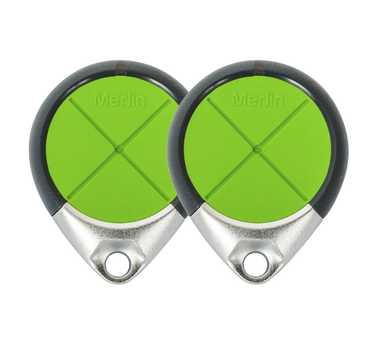
An additional remote or wall control should answer a clear question about who needs access and where it will be used. Merlin homeowner support uses the motor model to guide remote compatibility, keeping the selection tied to the installed system.
Check smart access independently
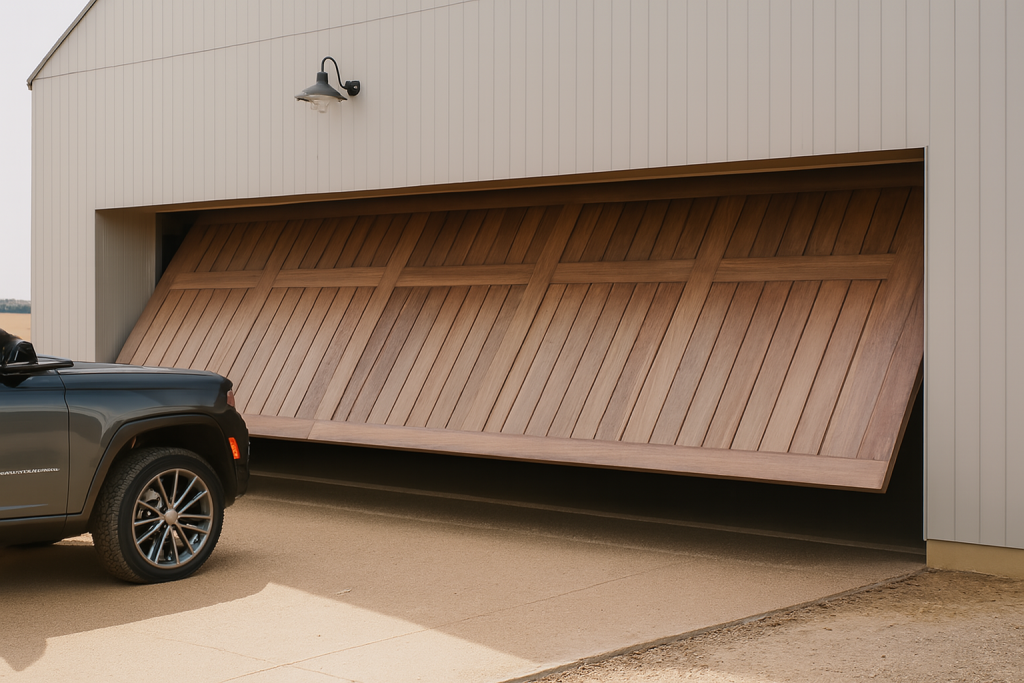
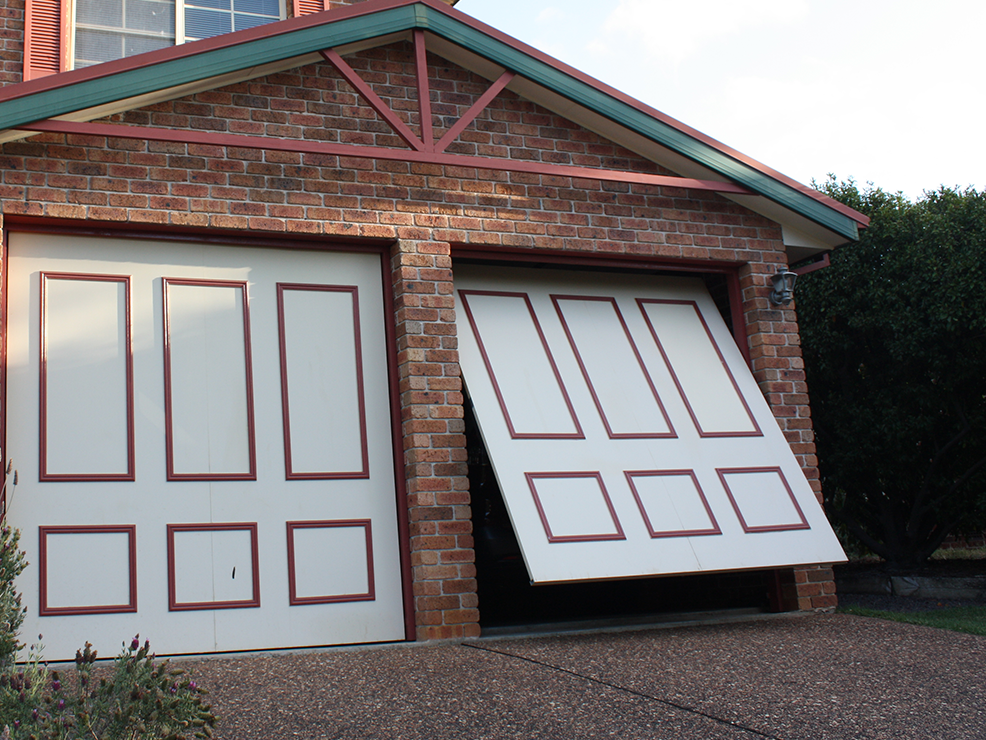
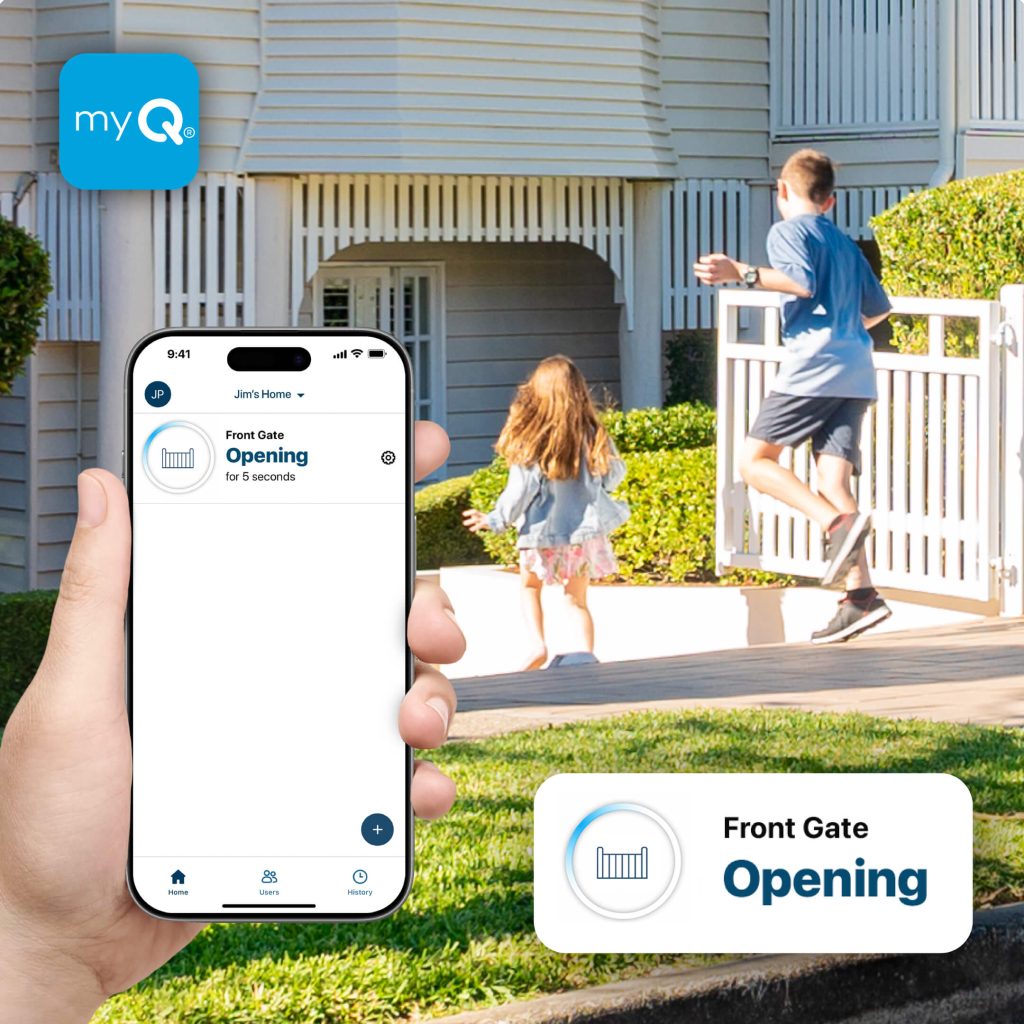
Merlin’s M828AU myQ Gateway includes an official compatibility check and is not compatible with tilt garage doors. Smart access therefore cannot be presumed for every Merlin system, even when a home has Wi-Fi and phones are available.
Understand the physical connection environment
Merlin says M828AU performance relies on radio-frequency communication rather than Wi-Fi alone. The garage structure, metal surfaces, stored equipment, distance and the proposed location should be assessed at the actual site.
Do not overlook safety equipment
Safety IR Beams are separately available for M828AU full functionality according to Merlin. Ask what applies to the planned equipment and door. Technology should never create a reason to bypass a beam, alter force settings or ignore abnormal movement.
Accessories have different purposes
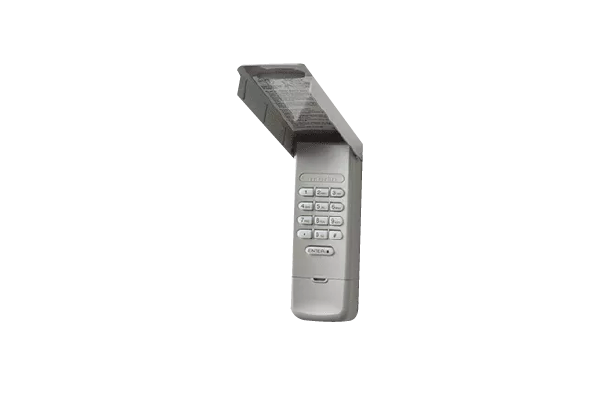
A compatible remote, keypad, wireless wall control, lighting product and gateway each solve different problems. Choose only after checking the current product documentation, intended environment, installation needs and relationship to the motor.
Access management continues after installation
Keep a simple record of models and authorised users, then review it when a phone, vehicle or household changes. Do not store passwords, recovery codes or entry codes in a visible record; use the official account and manual processes instead.
Technology cannot cure a door fault
Stop using a door that is uneven, damaged, unexpectedly reversing or making new noises. A correct app setup or accessory cannot establish the mechanical condition of the door, so those symptoms need professional assessment.
Start with the model printed on the Merlin motor, then identify the door type and the technology question. That sequence prevents a compatibility check from beginning with a product name or feature claim. Current Merlin support and manuals can then be used to see whether a remote, wall control, gateway or other accessory is documented for the actual opener. If the motor cannot be identified safely, ask for help rather than removing covers or selecting a control by appearance.
A technology proposal also needs the physical garage context. Show fixed storage, structural walls, metal surfaces, power arrangements and normal vehicle positions to the person assessing the site. Some equipment has communication and location requirements that cannot be confirmed from a general Wi-Fi speed test or a product photo. No single online specification replaces an assessment of the installed environment.
A remote addresses a different need from a compatible wall control, a gateway or a lighting accessory. Before adding one, write down the practical problem: an additional driver, a lost device, a household member who needs a convenient fixed control, or a documented connected-access requirement. The accessory should be chosen only after the motor match is confirmed, and the proposal should name the exact item rather than promise a feature category.
This avoids treating “smart” as one large capability. A system may have some documented functions without every feature found in a current marketing page, an overseas article or another household’s setup. Do not presume third-party assistant, scheduling, delivery or remote-access features unless they are confirmed for the exact Australian Merlin configuration at the time of selection.
Technology does not displace the duty to manage a moving doorway carefully. Merlin’s published myQ material identifies Safety IR Beams for full functionality in relevant arrangements; ask what applies to the exact door and equipment. Never bypass or cover a safety device, and do not change force settings to make a new accessory appear to work. An unexpected stop, reversal, new noise or uneven movement is a door assessment issue, not an app setup exercise.
For any documented account-based access, nominate an owner and use individual official access options where available. Review users when a phone, vehicle or household changes. Keep a practical list of devices and authorised users, but secure passwords and recovery details elsewhere. This preserves accountability without creating an easy record for the wrong person to find.
Keep the motor model, accessory model, manuals and a brief handover note together. That record turns a future replacement, access change or support enquiry into a model-specific conversation. It also makes it easier to distinguish a connectivity problem from a mechanical symptom that needs a technician. The most useful garage technology is technology that remains understandable after the original installation day.
Eastern Garage Doors can help Melbourne homeowners discuss the door, motor model and intended use before selecting Merlin equipment. Contact the Eastern Garage Doors team with the model details and a short description of the question. Do not operate or adjust a door that has visible damage or is behaving abnormally.