






Smart Garage Technology
Merlin myQ Smart Garage Connectivity: Is Your Setup Compatible?
Mar
Reviewed and updated: 14 October 2026
Smart garage connectivity starts with compatibility, not an app download. The available functions, equipment and installation requirements depend on the exact garage door, opener and Merlin product in use. A smart feature can be convenient when it is supported and correctly set up, but it should not be treated as universal or as a substitute for safe operation around a moving door.
Before buying an accessory or changing an existing setup, identify the equipment, ask for current model-specific information and decide how the household will manage access. This approach is more reliable than assuming that any door can be monitored or controlled in the same way.
Identify the door and opener first
Find the opener model label, note the type of door and take photos of the existing controls. Keep relevant manuals and invoices together. A remote control, a familiar brand name or a previous owner’s description does not prove that an older system is compatible with a current connectivity product.
Also consider the condition of the door. If it is damaged, moving unevenly, stopping unexpectedly or not responding normally, that issue should be assessed before connectivity is discussed. Do not alter travel settings, springs, cables, tracks or hardware while trying to make a smart function work.
Use current Merlin information
Merlin’s current Australian product and support information is the appropriate source for model-specific compatibility, setup requirements and supported functions. Ask a supplier to confirm the exact combination proposed for your existing equipment. Products, features and availability can change, and a generic online tutorial may describe a different model or market.
Be precise about the feature you want. Remote operation, status information, notifications and schedules should each be confirmed for the proposed setup. Do not assume that a controller can be placed anywhere, that a function will work from every location or that a particular option is included with every opener.
Confirm the compatibility limits
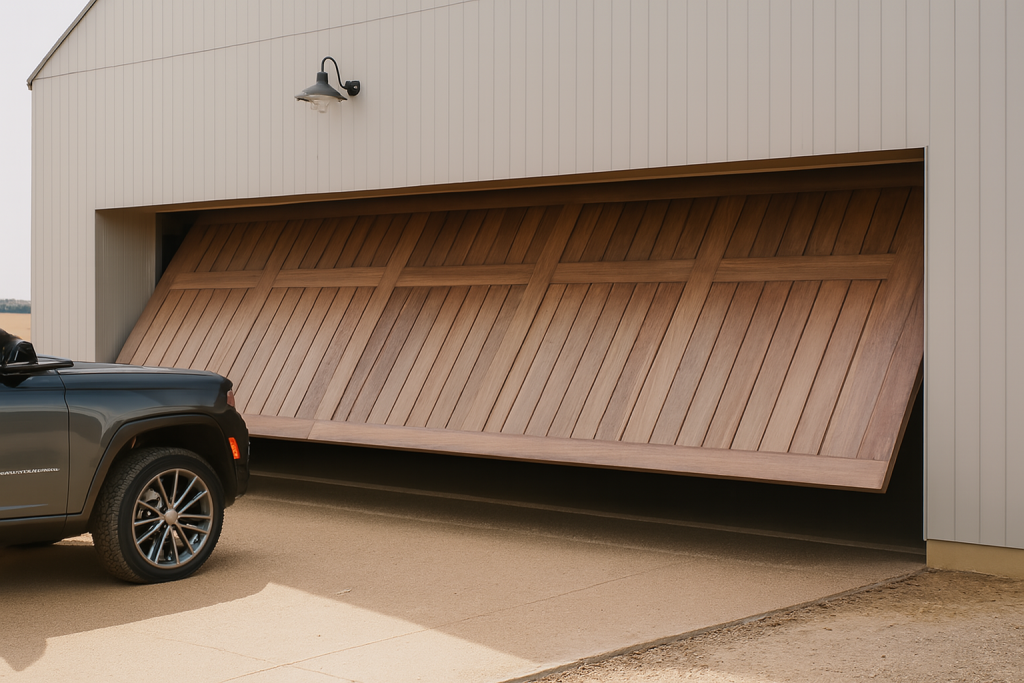
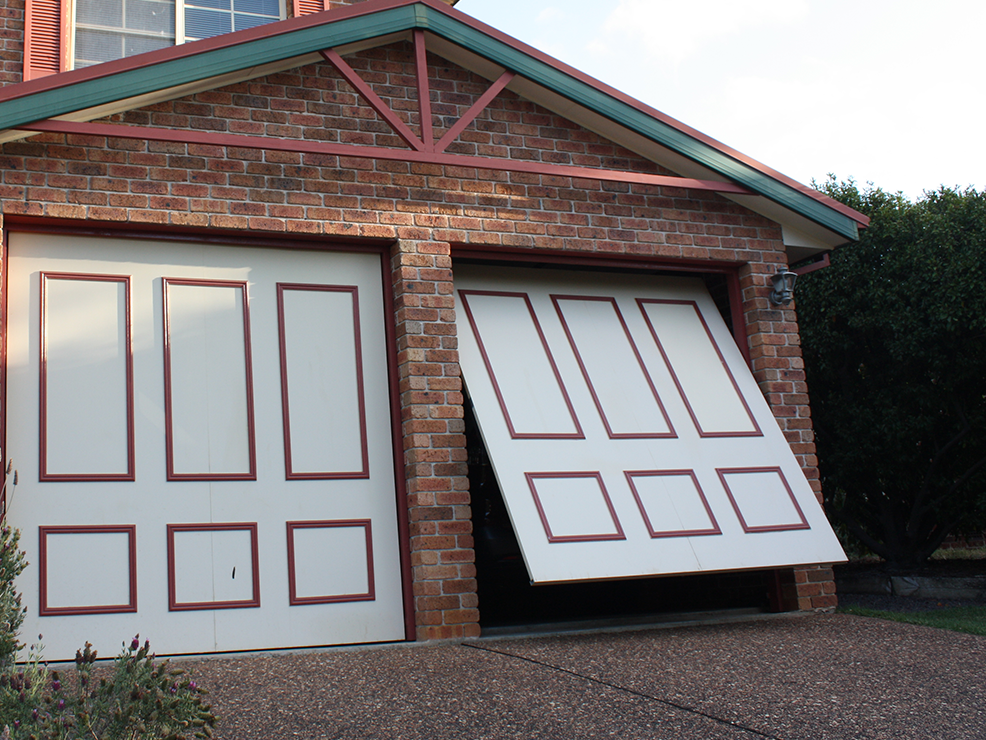
Merlin’s M828AU myQ Gateway has a model-specific compatibility list and is not compatible with tilt garage doors. This is why the opener model must be read from its label before a purchase is made. A door type or an older remote alone cannot establish whether a gateway will suit the installed system.
Merlin’s current Gateway information explains that communication between the Gateway and the opener uses radio frequency. Distance, walls, metal surfaces and other interference can affect that link. Follow the exact installation documentation for its network connection and placement. A strong phone Wi-Fi signal alone does not confirm that the Gateway will communicate reliably with the opener.
Separate access from safety equipment
myQ connectivity concerns access and status functions; it is not a substitute for physical safety arrangements. Merlin’s product information says the myQ Gateway requires Merlin Safety IR Beams to be installed and operational. Confirm the applicable safety equipment and its condition as part of the model-specific assessment. Never assume that a connected app command can be used safely without considering people, pets, vehicles and obstructions at the opening.
Consider the practical installation context
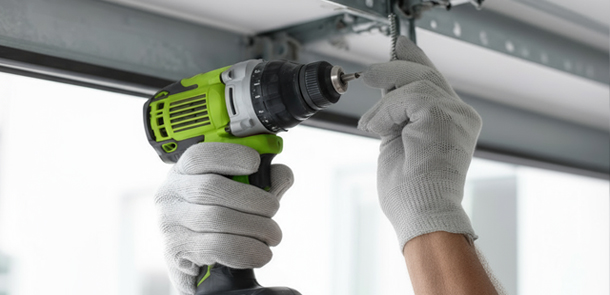
The garage layout and the equipment’s documented requirements matter. Tell the assessor about access to power, building work, ceiling storage, wall controls and any limitation that could affect installation. Have electrical supply work handled by an appropriately qualified professional.
A connectivity decision should also consider ordinary use. If the garage is a main entrance, shared space or workshop, explain that. The right arrangement is one that is compatible with the physical system and understandable to the people who will operate it.
Set up access carefully
Treat a connected garage account as an access control, much like a remote or key. Keep a record of who has authorised access and review it when a household member moves out, a phone is lost or a car is sold. Use the access controls offered by the supported product rather than sharing an owner password.
Protect passwords and verification codes. A legitimate support conversation should begin with the model and the problem, not a request for private credentials. If access is lost or a device is missing, follow the current model-specific support path rather than trying random resets that could affect other authorised users.
Review access over time
Connected access should be reviewed after ordinary changes in a household, not only when something goes wrong. Remove access when it is no longer needed and keep the model information, manuals and setup records with property documents. This creates a clearer handover for future occupants or technicians.
If the connected function stops behaving as expected, record the exact model, the feature affected and any recent change to the household or property. Do not repeatedly issue commands or change programming in the hope that it will correct itself. Use current support information for the system involved.
Keep safe-use habits in place
Connected control does not remove the need to observe the garage door and driveway. Keep people, pets, vehicles and stored items out of the operating path. Do not use a remote command as a reason to assume that the opening is clear. If the door’s response is unexpected, stop use and arrange advice.
Do not rely on an alert or status display as a safety guarantee. Use it as information alongside normal checks of the physical door and property. A door that is partly open, visibly damaged or moving abnormally needs an assessment by our team rather than more remote commands.
Prepare a useful enquiry
Provide the door type, Merlin opener model, photos of labels and controls, the features you want and any layout constraints. Ask which functions are verified for that model and what installation work would be required. Keep the written answer with the property records for future support.
Eastern Garage Doors can help assess the current equipment and discuss suitable Merlin connectivity options. Contact the team with the model details and current operating condition.
Please note, while we will endeavour to get out to you as soon as possible, we do not offer 24/7 emergency repairs.
For help with your garage door or gate in Melbourne’s Eastern Suburbs, contact Eastern Garage Doors.