






Garage Door Openers & Remotes
Merlin Remote Not Working? Safe Checks Before You Call
Feb
Reviewed and updated: 14 October 2026
A garage-door remote usually fails at the least convenient moment. Before buying a replacement or trying to program anything, take a few minutes to separate a remote problem from a door or opener problem. A careful check can save time, avoid an incompatible purchase and give a service technician a clearer picture if help is needed.
The key is to observe without turning a small access problem into a safety problem. Do not force the door, bypass safety equipment, change the opener’s settings or dismantle its electronics. A remote is only one part of the system that operates the door.
Make the doorway safe first
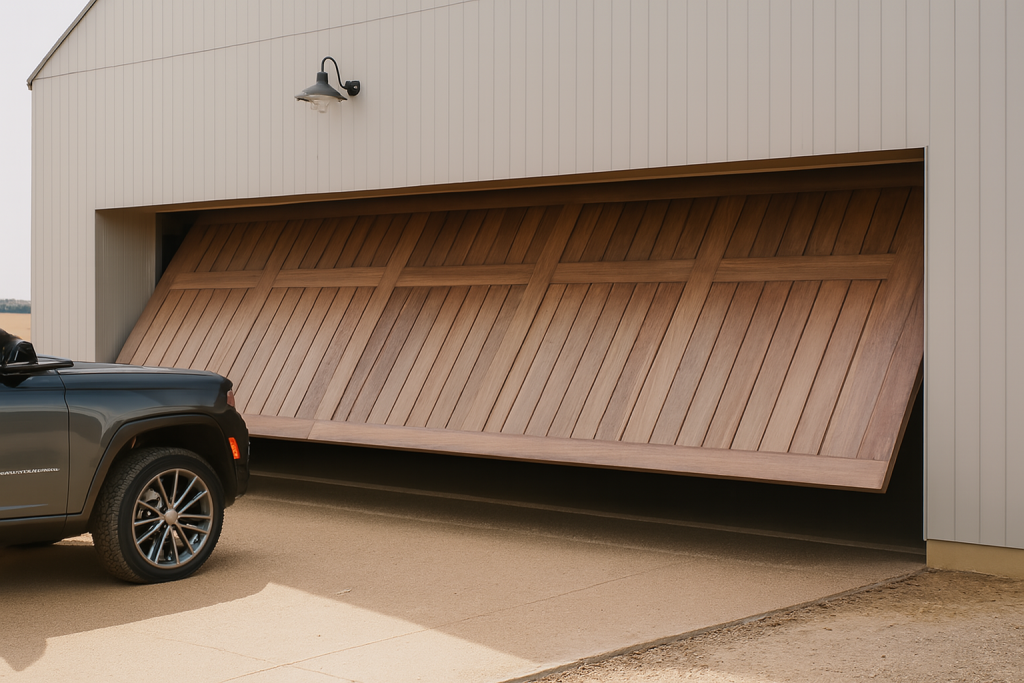
Keep people, pets, vehicles and loose objects away from the opening while you test a remote. Never stand beneath a partly open garage door or reach into moving door hardware. If the door looks uneven, has a loose cable, makes an unfamiliar bang or cannot remain in a stable position, stop using it and arrange professional assistance. Those signs are about the door system, not just the handset in your hand.
If the door is fully closed and the garage has another safe means of access, take the time to check the remote calmly. Repeatedly pressing buttons from the driveway will not solve a mechanical fault and can make it harder to tell what happened.
Notice what the remote does
Look at the remote without opening it. Does its indicator light behave differently than usual when a button is pressed? Has it been dropped, left in a wet bag or exposed to obvious damage? Do other authorised remotes or a wall control produce the same result? Write down the answer rather than relying on memory later.
One remote not responding while another authorised control works may point the service conversation toward the handset or its programming. If no control works, the issue may be elsewhere. That distinction is useful information, but it does not prove a cause. A garage-door installer can interpret it alongside the condition of the door and opener.
Check the battery only when you can identify it
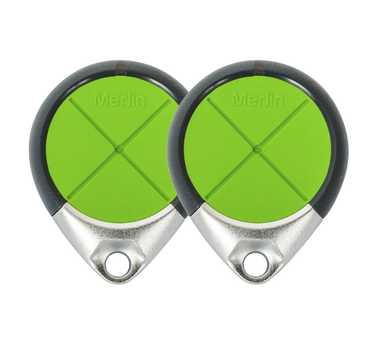
A depleted remote battery is a common and relatively simple possibility. Confirm the remote model and battery type from the existing handset, its manual or official support material before replacing the battery. Take the remote with you when buying a battery if that helps avoid a mismatch.
Merlin’s homeowner support page explains that compatible remotes depend on the motor model and provides a model-based way to identify suitable remote options. That matters because two Merlin remotes can look alike while using different systems. Avoid treating a battery change as a universal reset or removing parts beyond what the remote’s instructions call for.
Confirm the opener model
The motor model is the best starting point for a remote enquiry. Merlin says the model number is usually on the motor unit, commonly on its side, back or underside, depending on how it is mounted. Photograph the label if it can be done safely from the ground. Do not climb on a ladder, move the door or remove the opener cover to find it.
Once you have the model number, use Merlin’s current support material or ask Eastern Garage Doors to check compatibility. Keep the existing remote as well, since its details can assist the comparison. This is more reliable than shopping by colour, button shape or a description such as “Merlin garage remote”.
Look for simple external causes
From a safe position, check whether the opening is clear and whether the door has an obvious manual lock that has been engaged. A stored item, vehicle, ladder or bin in the doorway can create a door problem that feels like a remote problem. Remove ordinary loose obstructions only when the door is stationary and no part of your body needs to pass under it.
Also consider whether there has been a power outage or broader electrical issue. If other equipment in the garage is without power, the next step may be a household electrical check rather than a remote replacement. Do not alter electrical wiring or repeatedly unplug the opener to see whether it recovers.
Do not guess at pairing or reset steps
Programming instructions are model-specific. Online videos and older blog posts often show a “learn” button sequence for a different model, and an incorrect sequence can erase or change access settings. Use the exact manual for your motor and remote, available through Merlin’s support centre, or ask a dealer for help.
That is especially important where several people use remotes, a wall control or smart access. Make a note of which authorised devices currently work before any change is made. A technician can then restore access with a better record of the original setup.
When to replace the remote
A replacement is worth discussing when the battery has been confirmed, the handset is damaged, or compatibility has been verified for the existing opener. Do not assume that every handheld device sold as a “garage remote” will work with your motor. Merlin’s compatibility tool and official documentation are safer sources than a generic online listing.
Keep the faulty remote until you have confirmed that the replacement is working as intended. It may contain useful model details and it avoids leaving a household without a working access option during the changeover.
Information to provide when you call
- Your opener’s model number and, if available, the remote model.
- Whether the door is closed, open or partly open.
- Whether any authorised control still works.
- Whether the remote indicator light changes when pressed.
- Any power interruption, visible door damage or unusual sound.
Eastern Garage Doors can help Melbourne homeowners work through a Merlin remote compatibility or access issue. Contact the Eastern Garage Doors team with the details above so we can start with the right question.