






Smart Garage Technology
Can You Control Your Garage Door From Your Phone? A Merlin myQ Checklist
Dec
Reviewed and updated: 14 October 2026
Phone control can be useful for an eligible garage-door system, but the question is not simply whether the home has Wi-Fi. A Merlin myQ setup depends on the door, the opener, the current accessory compatibility and the safety arrangement. Start with a checklist that confirms those foundations before downloading an app or promising a household that the garage can be operated from anywhere.
Check the motor and door before the phone
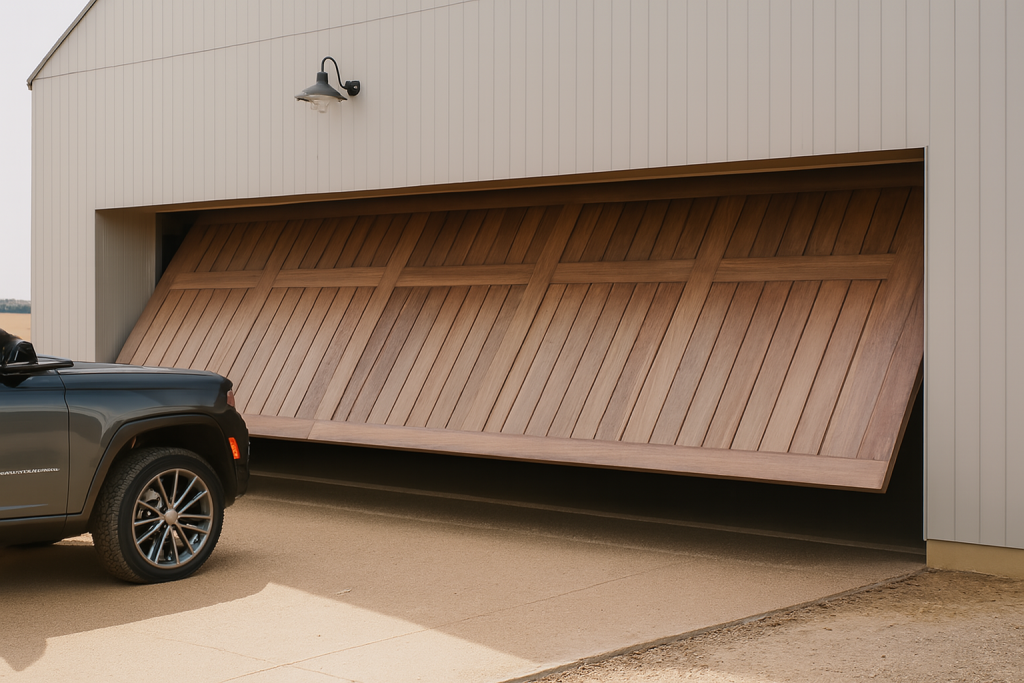
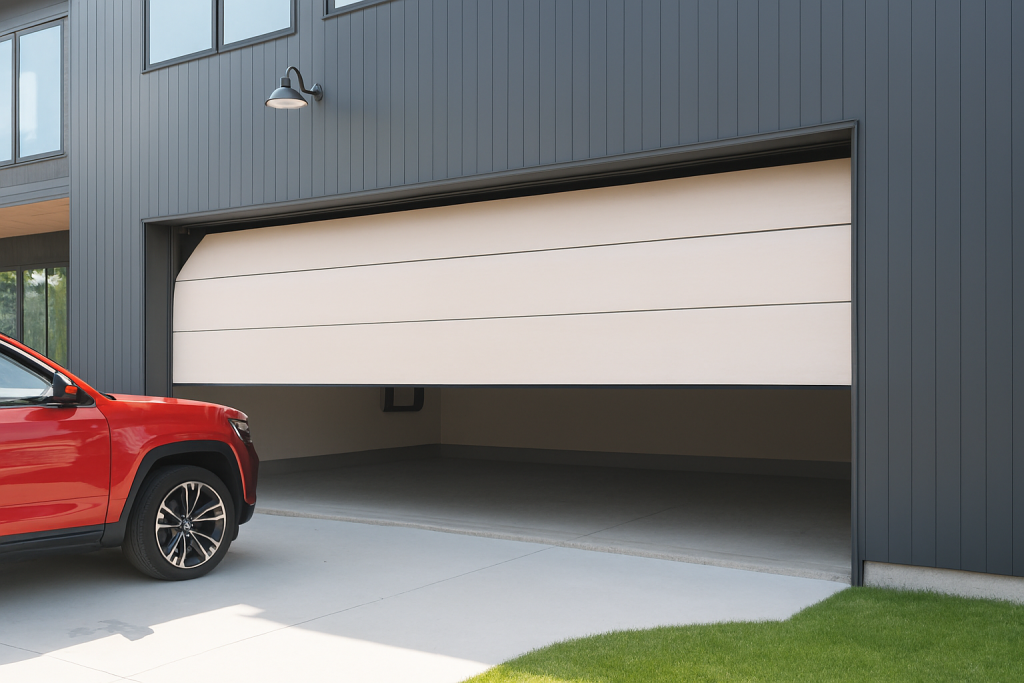
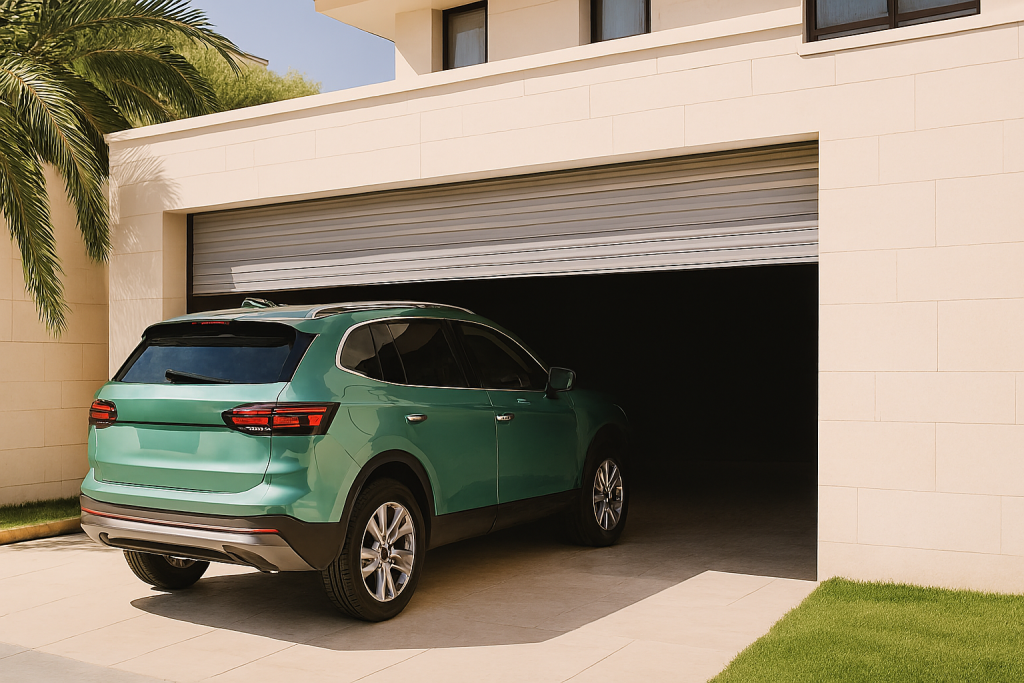
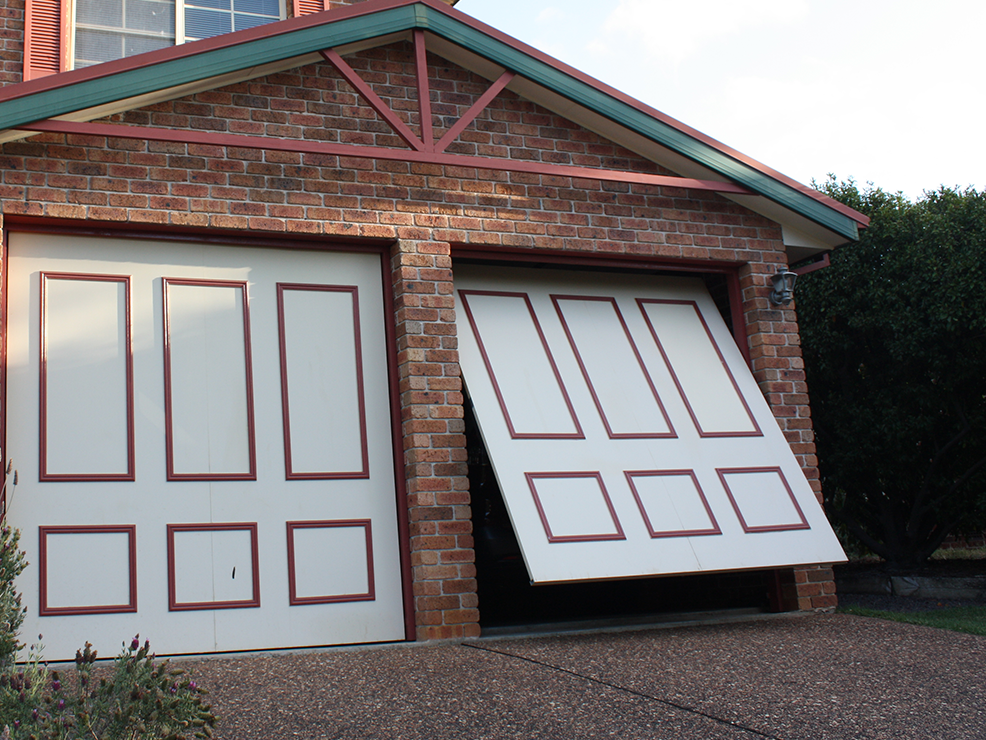
Find the Merlin opener model number from a safe position and note the door type: roller, sectional or tilt. The model is the starting point for any compatibility conversation. A remote control, a product label from an older system or the fact that a neighbour uses myQ does not establish that the installed door is eligible.
Merlin’s current M828AU myQ Gateway information provides a compatibility check and excludes tilt garage doors. That is a practical example of why the physical system comes first. Take a photo of the motor label and include the door type when asking an installer or Merlin for help. Do not climb on ladders, open electrical housings or interfere with the door to retrieve the information.
Confirm the safety-beam arrangement
Merlin’s homeowner support information says Safety IR Beams are required for full myQ Connectivity functionality through a smartphone. The beams are part of the safety arrangement for a compatible installation, rather than an optional afterthought for a connected feature. Ask which beam product is required for the motor being assessed and whether it is already fitted and appropriate.
Do not regard app control as a substitute for checking the movement area. Before any operation, people, pets, vehicles and stored items must remain clear of the door path. Never cover, relocate, bypass or attempt to repair beams yourself. If a door closes unpredictably, reverses, makes unusual noise or has visible damage, stop treating the app as the issue and arrange professional assessment of the door system.
Assess the home network in the garage
Connected products need a usable connection at the garage, not merely a router elsewhere in the house. Describe the distance from the home network, construction that may affect signal, and whether the phone used by the household can reliably connect where the garage is located. The applicable Merlin documentation should identify the network and app requirements for the proposed product.
A weak or intermittent connection is a planning issue, not a reason to alter the opener’s mechanical settings. Follow the product instructions for the exact model and seek support if setup does not behave as documented. Do not change wiring, force settings, travel limits or safety equipment while attempting to resolve a connectivity problem.
Choose useful functions, not a generic feature list
Merlin describes myQ functions for compatible systems including remote operation, status monitoring, alerts and scheduling. Decide which of those solves a real household need. A person who worries about an open garage after leaving for work may value status information. A shared household may need a clear plan for authorised app users. A family with deliveries may need to think carefully about access and supervision rather than treating the phone as an unattended key.
Write the routine down. Who uses the garage? Is it a vehicle entrance, a pedestrian entrance or both? Where does a person normally stand while the door moves? What happens if one household member’s phone is unavailable? A smart access plan should still leave the home with a safe ordinary way to enter and leave, and should not depend on the assumption that every person will have the same app access.
Make the installer conversation specific
Bring the motor model, door type, current controls, a description of the desired app function and any access constraints to an assessment. If a new opener is being considered, give the installer the same information before comparing models. Merlin’s current product range includes myQ-compatible and integrated-myQ offerings, but compatibility and included equipment vary by model and door arrangement.
Keep the final product information and instructions with the garage records. This helps another household member understand which system is installed, which app is relevant and who to contact if operation changes. It also avoids a later renovation or replacement decision being based on an outdated assumption about an earlier device.
Decide how the connected system will be managed
Phone access needs household rules as well as compatible equipment. Decide who receives the app invitation, who can authorise another user and how access will be removed when a phone is lost, replaced or no longer belongs to a household member. Consider whether an alert will be useful to someone who can act on it, rather than turning every ordinary opening into a notification that people ignore.
Discuss this arrangement with the installer only after the motor, beams and network requirements have been confirmed. It is a practical way to keep the benefit of connected access tied to the people who use the garage, while retaining a clear response if the door itself needs service.
Five questions before you proceed
- What exact Merlin motor and door type are installed?
- Is the proposed myQ product compatible with that setup?
- What Safety IR Beam arrangement is required for the desired functionality?
- Does the garage meet the current network and app requirements?
- How will every user operate the door while keeping the movement area clear?
Eastern Garage Doors can discuss Merlin myQ options in the context of an assessed door and garage. Use the contact page or call (03) 9812 3062 with the model, door type and access outcome you are considering.