






Garage Door Openers & Remotes
How to Replace a Merlin Remote Battery Safely
Apr
Reviewed and updated: 14 October 2026
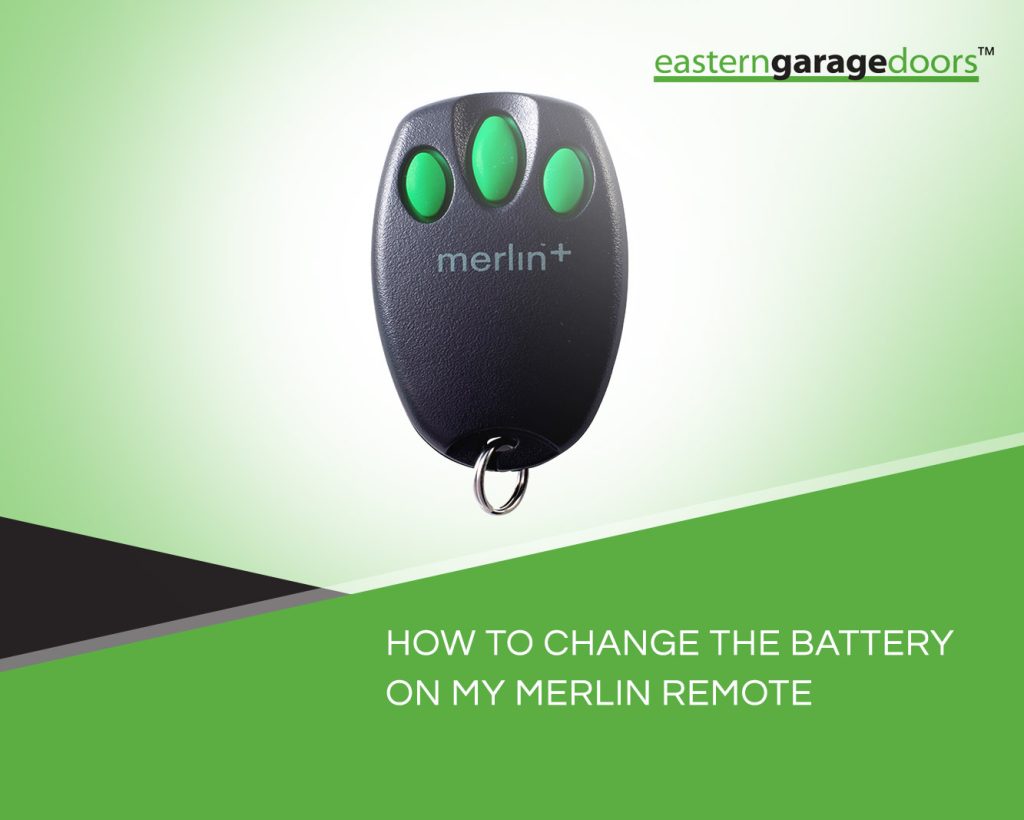
A Merlin remote with an unreliable response may need a replacement battery, but a fresh battery is not a diagnosis for every garage-door problem. Start by identifying the remote, checking its own instructions and deciding whether the problem is confined to that control. The casing, battery type and replacement method vary, so a procedure for another Merlin remote should not be treated as a match simply because the buttons look similar.
Identify the remote before opening it
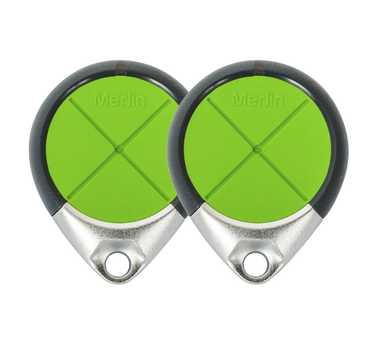
Look for the remote model on an accessible label or in the paperwork supplied with it. Keep the remote model separate from the motor model: both can be useful, but they identify different equipment. If a label is worn or the casing has already been replaced, take clear photographs and ask for help identifying the device. Do not guess from colour or button count alone.
Merlin’s homeowner support provides a route to model-specific information. Find instructions that name your remote and check the illustrations against the device in your hand. If they do not match, stop before prising the case apart. A damaged clip, missing fastener or cracked battery compartment can make an otherwise simple replacement unsuitable for continued household use.
Separate a control problem from a door problem
Describe what has changed before you buy anything. Is this one remote unreliable while an already-authorised control works normally? Has the remote been dropped, become wet or suffered case damage? Does its usual indicator behave differently? These observations help frame a support question, but none proves that a battery is the only issue.
If the door itself is crooked, noisy in a new way, visibly damaged or moving unpredictably, stop using it and arrange an assessment. Repeatedly pressing another remote is not a safe way to rule out a mechanical fault. The battery discussion concerns a hand-held accessory; it should never become a reason to change motor settings, disconnect the opener or force the door into motion.
Use the specified battery and the correct instructions
Merlin’s remote guidance says that battery type and casing access depend on the model. Follow the exact remote instructions for the specified replacement and its orientation. Do not assume every Merlin remote uses the same coin cell, substitute a battery because it fits loosely, or copy a polarity diagram from a different device.
Prepare a clear work surface away from children and pets. Keep the new battery packaged until it is needed and contain the removed battery immediately. Button and coin batteries must not be left loose on a bench, in a bag or among keys. Use the tools and opening points stated in the manual; if the case will not open as described, seek assistance rather than applying more force.
If the manual is missing, the battery marking cannot be read, or the device has signs of corrosion or damage, ask a Merlin support contact or suitable service provider before proceeding. A battery change should not require repairs to the circuit board, improvised contacts or alterations to the case. Those signs change the task from routine replacement to an assessment of the remote itself.
Reassemble and store the remote securely
Follow the instructions to close the casing and secure the battery compartment. Check that the cover and any retaining parts fit properly. A remote that cannot contain its battery securely should be taken out of use and kept away from children until it can be repaired appropriately or replaced. Tape or a loose cover is not a dependable substitute for the intended closure.
Keep the old battery contained until it can be taken to an appropriate battery collection point, following the collection provider’s handling advice. Used batteries still need careful storage. Do not leave the old cell in the garage, car console or kitchen drawer where it can be mistaken for a usable spare or found by a child.
Check ordinary operation without changing programming
Once the remote is correctly reassembled, follow its instructions for checking operation. Keep the garage opening clear, stand where the full door can be seen and allow any normal movement to finish. Nobody should pass under the door while it is moving. If the system does not behave normally, stop the check.
Do not immediately erase stored controls or press the motor’s programming buttons because a new battery has not solved the problem. Programming changes can affect other authorised remotes. Ask whether any pairing procedure is actually required for the particular device, and use only its documented process. A persistent fault may need investigation of the remote, its compatibility or the wider installation rather than another battery.
Know what to include in a support enquiry
Give the remote model, opener model if safely available, the battery specified in the instructions and a short description of the symptom. Explain whether the battery has already been replaced and whether the case is damaged. This information is more useful than saying that every remote of the same appearance should work.
If replacement is needed, have compatibility confirmed against the installed motor. Keep the new remote’s instructions with the garage records and remove any defective accessory from ordinary use. Eastern Garage Doors can discuss a remote enquiry alongside the actual opener, helping you distinguish a battery task from a replacement-control or door-service question.
To discuss your garage door, contact Eastern Garage Doors with the door type and the question you would like assessed.