






Smart Garage Technology
Merlin myQ and Safety Beams: Compatibility, Setup and Safe Use
Aug
Reviewed and updated: 14 October 2026
Merlin myQ can add app-based access functions to an eligible garage-door setup, but it is not a universal phone-control upgrade. The sensible starting point is the installed door and opener, followed by the current Australian Merlin documentation for the exact equipment. Safety beams, compatibility and the household’s use of the garage all need to be addressed before a connected feature is treated as part of the system.
Identify the installed door and motor first
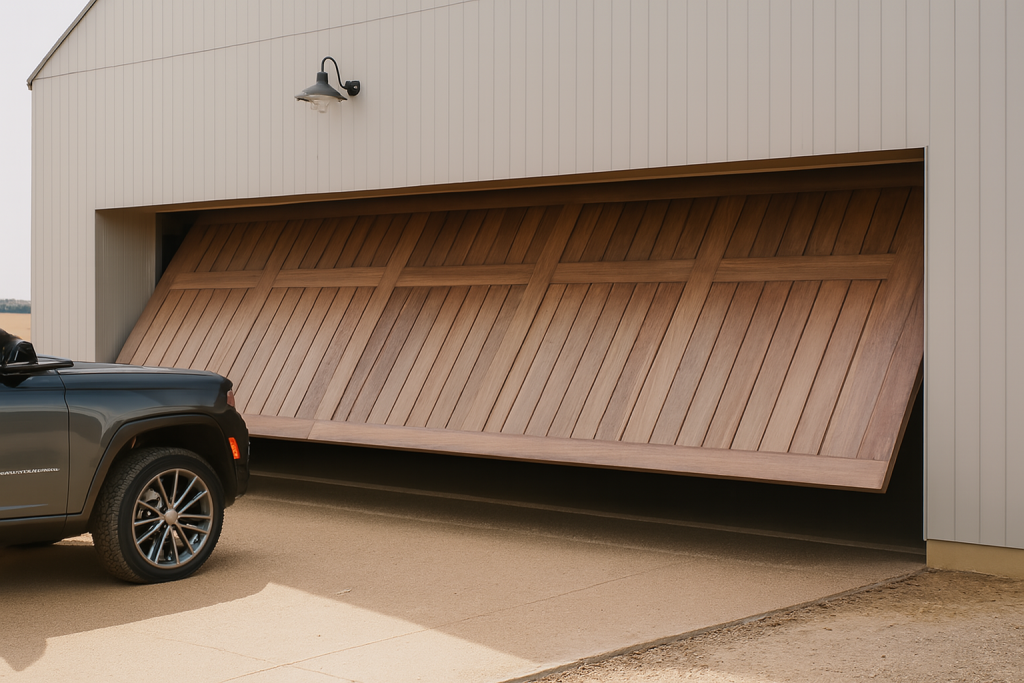
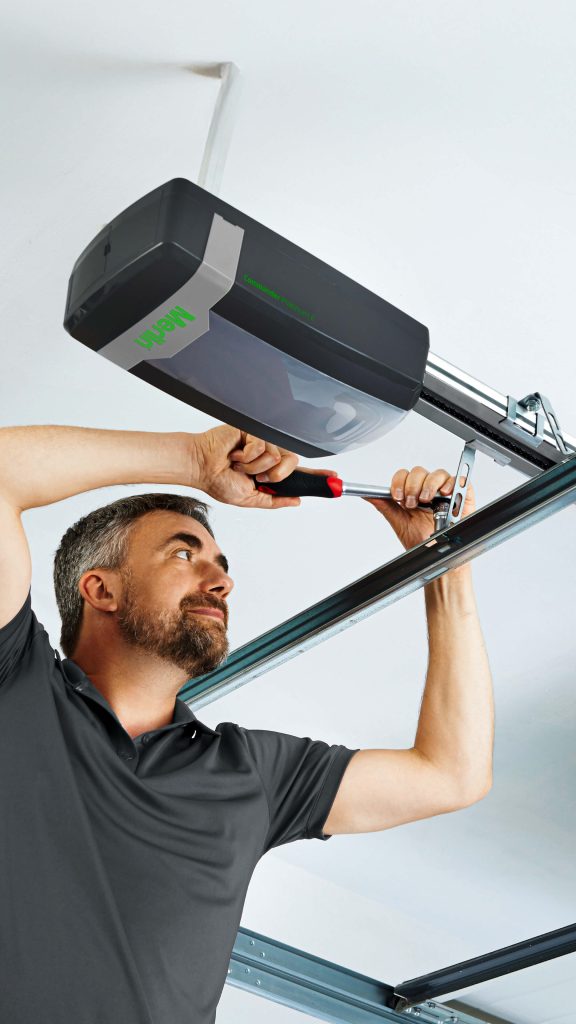
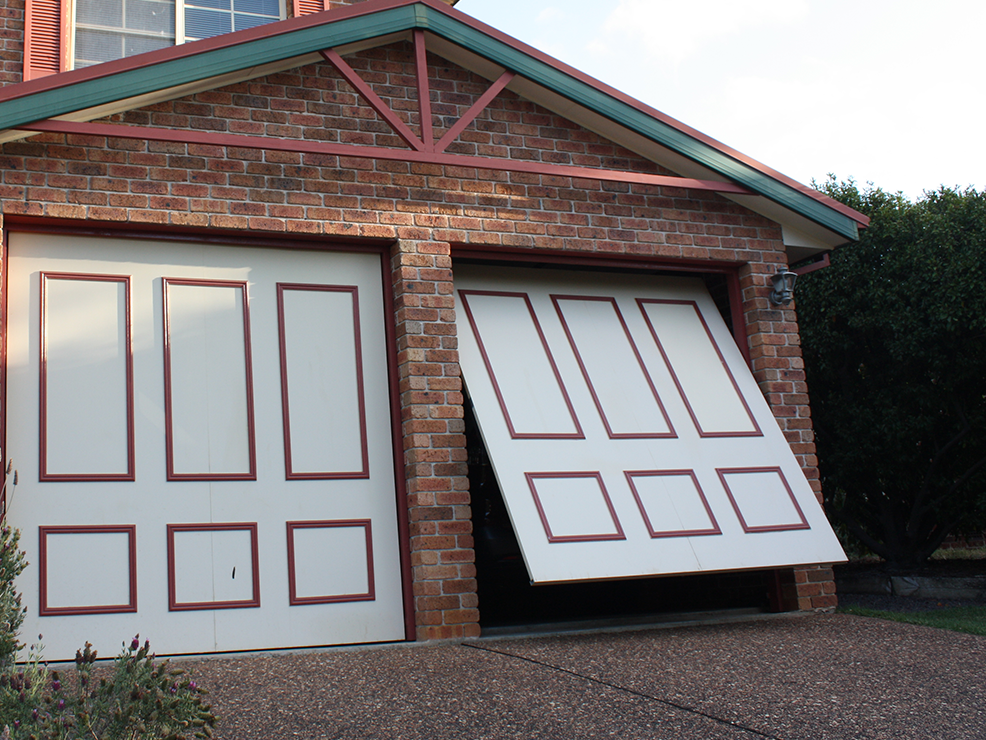
Record the Merlin model number from the motor unit, using a photo taken safely from floor level if needed. Note the door type as well: roller, sectional or tilt. The model label matters more than the appearance of the existing remote, because a remote can be a replacement and two similar-looking motors may not accept the same accessory.
Merlin’s current myQ Gateway information includes a compatibility check and states that its M828AU gateway is not compatible with tilt garage doors. That single limitation shows why an app download or a Wi-Fi connection is not enough evidence. Ask the installer or Merlin to check the actual motor, door and proposed hardware before purchase or installation.
Understand what the safety beams do
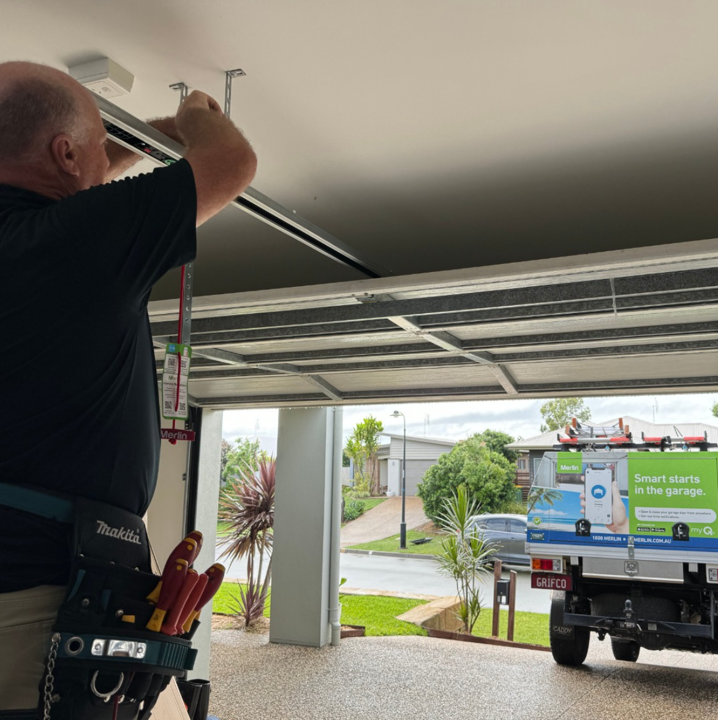
Merlin calls its safety-beam product The Protector System. When fitted to a compatible garage door or gate opener, the beams create an infrared path that can detect an obstruction during closing. Merlin’s homeowner support information says safety IR beams are required to enable full myQ Connectivity functionality through a smartphone. The exact requirement should be confirmed against the proposed system and installation.
Safety beams support a safe closing arrangement; they do not turn remote operation into permission to close a door without awareness of the area. Keep children, pets, people and vehicles clear of the door path. Do not cover, move, misalign, wire around or try to bypass the beams. If the beams appear damaged or the door begins behaving unexpectedly, stop using the technology as a workaround and seek professional advice.
Check the connectivity conditions
For M828AU specifically, Merlin also identifies radio-frequency communication as a factor in performance, rather than Wi-Fi alone. Explain where the gateway would sit relative to the opener and point out walls, metal surfaces, appliances and storage. A strong phone Wi-Fi signal in one part of the garage does not establish that every connection in the proposed system will perform as required.
Connected access needs more than compatible hardware. The garage must have the network conditions required by the relevant Merlin product and the myQ app needs to be set up using current product guidance. Signal strength, the distance from the home network and the device used by the household can all affect whether a connection is practical. These are planning questions to resolve before treating notifications or remote control as a dependable part of the daily routine.
Do not solve a connection issue by changing opener settings, safety devices or electrical components. Follow the relevant current manual for the named product, and seek support where the manual directs. An installation may involve more than an app setting, and changes to a powered door system should stay within the documented procedure or with a qualified technician.
Decide what the household needs from myQ
Start with a specific access problem. A household may want to check whether a door was left open, receive an alert, share access with another person or operate an eligible door while away. Merlin describes myQ as providing remote control, status monitoring, alerts and scheduling for compatible setups. Each function should be considered alongside the people who use the garage and the way they enter the property.
For example, a shared household needs clarity about who is authorised to use the app and what to do if someone is walking through the garage. A garage used as the main entrance needs an ordinary access plan that does not depend solely on a phone. A smart feature may be useful, but it should not replace a known safe route, a separate pedestrian entry where relevant, or reasonable supervision of a moving door.
Keep setup and mechanical work separate
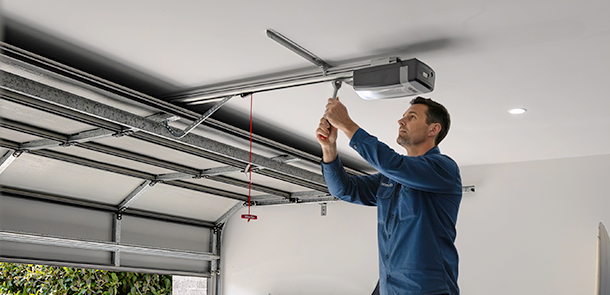
There is a useful boundary between identifying the equipment and changing the door system. An owner can record the model, describe the network, read the current manual and decide which household access need they are trying to meet. Installation, beam positioning, wiring, adjustments and repairs belong with the relevant instructions and qualified professionals. Never adjust springs, cables, tracks, force settings or electrical connections while planning myQ.
If an existing door is noisy, scrapes, reverses unexpectedly, stops short or has visible damage, resolve that condition before treating smart access as the priority. Technology cannot correct a door that needs inspection. Keep people and vehicles clear of an unreliable movement area and give the technician a factual description of the behaviour.
Questions to take to a compatibility check
- What Merlin motor and door type are installed?
- Is the proposed myQ equipment compatible with that exact system?
- Which safety beams are required for the planned functionality?
- What network and app conditions must be met for this product?
- Which access functions are useful for this household, and how will users operate them safely?
Eastern Garage Doors can discuss Merlin access equipment in the context of an assessed garage-door system. Use the contact page or call (03) 9812 3062 with the motor model, door type and the access outcome you want to explore.