






Garage Door Openers & Remotes
Choosing a Compatible Merlin Remote for Your Garage Door

Dec
Reviewed and updated: 14 October 2026
A replacement remote should be chosen from the installed Merlin opener, not from a picture of a similar remote or a claim that a device is universal. The motor model, the existing access arrangement and the number of doors or gates a person needs to operate are the facts that lead to a compatible choice. Merlin’s current Australian compatibility tools and product manuals should settle the final selection.
Find the opener model without dismantling anything
Look for the model label on the side, back or underside of the motor unit from a safe position. Take a clear photograph and record any number that can be read without climbing, opening an enclosure or handling the door. An existing remote is useful context, but it is not the primary identifier: it might be a replacement, a spare from an earlier installation or visually similar to another Merlin product.
Also note whether the opener runs a roller, sectional or tilt door, and whether it operates a gate. The door type does not substitute for the model, but it provides useful context if you need help from Merlin or an installer. If the door is damaged, behaves unpredictably or has exposed components, do not operate it repeatedly in an attempt to identify the remote system.
Describe the access task before comparing remotes
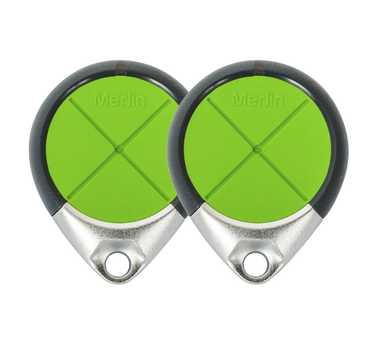
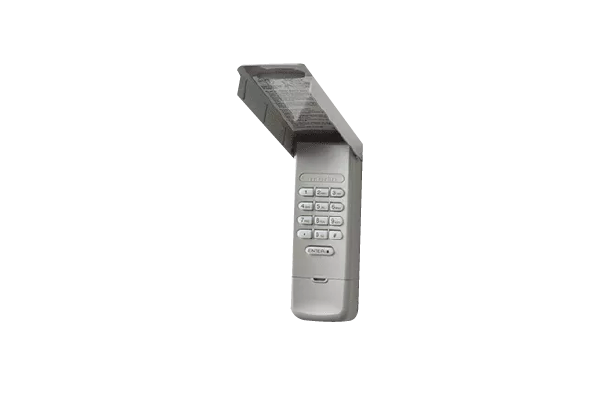
Ask what the remote is meant to solve. A visor remote kept in one vehicle, a pocket remote, a wall-mounted control or a spare for another household member are different use cases. Merlin’s current remote range includes several four-button products; the number of available buttons can matter where one person needs to operate more than one compatible opener. It does not establish compatibility by itself.
Write down how many doors or gates need to be controlled and who will use each device. This keeps the decision practical. A four-button remote may offer flexibility for compatible systems, while a new driver may need a simpler, clearly labelled arrangement. The aim is not to buy features for their own sake. It is to make sure the selected remote fits the actual access pattern.
Use Merlin’s compatibility check before purchase
Merlin directs customers to check a remote against the motor model using its compatibility information. Do that before purchase, even when a product description includes technology labels such as Security+ or Security+ 2.0. Those labels appear across current remote listings, but the safe selection path remains the exact opener model and the manufacturer’s current guidance.
A remote advertised as “universal” elsewhere should not be assumed compatible with a Merlin motor. Do not buy on the basis of a remote’s shape, button colour or a photograph of a similar garage. Use a genuine Merlin product where the compatibility check supports it, or ask for assistance with the motor details in hand.
Follow the correct manual for pairing
Pairing instructions are model-specific. Use the current manual for the remote and opener that have been identified, and follow it exactly. The manual is the right source for the programming procedure, indicator behaviour and any limit on the number of transmitters. Avoid copying a video or instructions intended for another model.
Do not press programming buttons at random, erase all remotes or change opener settings as a first troubleshooting step. Merlin notes that erasing transmitter codes removes all programmed remotes, which can leave other household members without access until devices are programmed again. If a lost remote creates an access concern, consult the applicable current manual or obtain support before changing the opener’s stored controls.
Consider the physical remote as well
A compatible remote still needs to be kept in a place that makes sense. Decide whether it belongs in the car, on a keyring, inside the home or at a wall location. Do not leave a spare where it creates an unwanted access risk. If a remote becomes unreliable, first check the current Merlin support guidance for that model and its correct battery type rather than guessing from another remote’s casing.
Range and performance can be affected by the property and the specific equipment. Do not promise a distance from a product photograph or expect a replacement remote to solve an issue caused by a door, opener or site condition. Describe the exact behaviour to a technician: where it works, where it does not, and whether the problem affects every remote or just one.
Keep a replacement record after the purchase
Retain the product reference and applicable instructions with the opener details. If a replacement is for a second garage or gate, identify that access point separately in the record. This helps prevent a future order being based on the wrong motor merely because the same person carries both controls. Keep private access information secure; the useful purchase record is the equipment identification and confirmed compatibility.
Questions to take to an installer or Merlin
- What is the exact model of the installed Merlin opener?
- Which current remote is compatible with it?
- How many access points need to be controlled from one device?
- Which current manual applies to programming and replacement batteries?
- Is the problem a remote issue, or does the door or opener need assessment?
Eastern Garage Doors can help frame a replacement-remote enquiry around the installed system. Use the contact page or call (03) 9812 3062 with the motor model and access requirement. Leave mechanical and electrical work on the door or opener to trained professionals.