






Automatic Gates
Smart Access for Automatic Gates: Check the Exact System
Jan
Reviewed and updated: 14 October 2026
Smart gate access starts with a question that is more specific than whether a gate is ‘smart’: what exactly is installed at this driveway? The gate, the opener, the controls, the safety equipment and the home network all affect what can be added and how it should be used. Treating every automatic gate as interchangeable can lead to an unsuitable plan, especially when an existing system has a different configuration from a current product.
Start with the gate’s movement and site
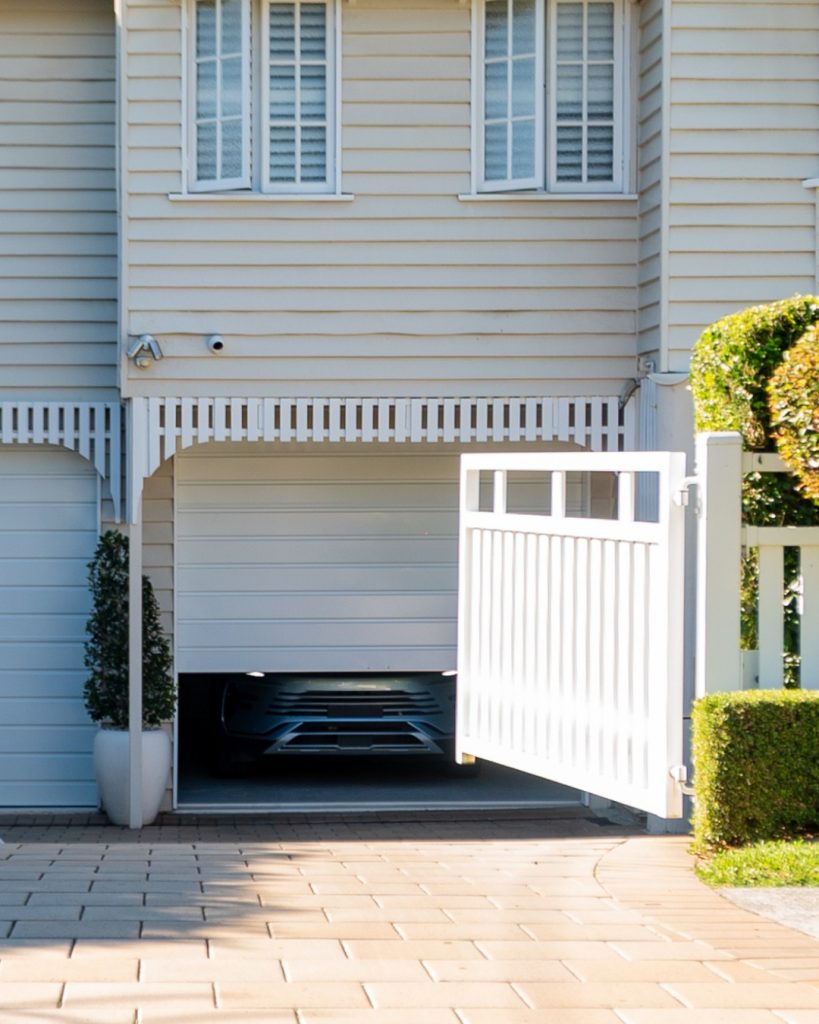
A swing gate moves on hinges and needs a clear path through its arc. A sliding gate travels sideways along its line of travel. That difference is central to assessment because the opening, ground conditions, gate structure and available clearance are part of the system, not background details. A driveway that works well for one movement type may create an obstruction or access problem for the other.
Photograph the gate from both sides and note whether it is single or double, where it moves, and what is close to it when open and closed. Include changes such as a new fence, garden bed, parked vehicle area, bin location or landscaping. A technician also needs to see the supporting posts, hinges or track and the place where the opener and controls are located. Do not assume that a gate can be automated simply because there is room for a motor in one view.
Identify the exact opener before discussing connectivity
Look for the model information on the existing Merlin opener, its control equipment and any accessories. A clear photograph of the label is more useful than a description such as ‘a Merlin gate motor’. Merlin’s current Australian support centre lists gate-opener product resources, including the Slide 600, Swing A 200 and Swing L 300 families, but documentation must still be matched to the particular equipment at the property.
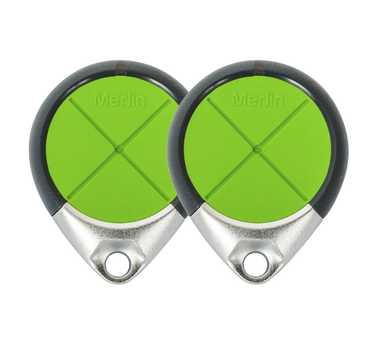
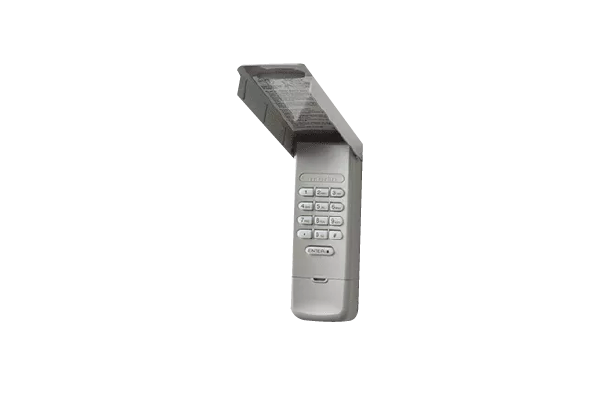
Record any remotes, wall controls, keypad or other entry device already in use. Tell the assessor if controls are missing, if a remote has been passed between households, or if the gate has behaved differently after an outage or building work. This is an access review, not a reason to open covers, change settings or try to trace wiring. Gate opener installation and service should be handled by a suitably qualified professional.
myQ is a compatibility question, not a universal feature
Merlin describes myQ Connectivity for compatible gate openers. Its current gate information says that a compatible gate opener, an internet gateway, the home router and the myQ app form part of the arrangement. That does not establish that every Merlin gate opener, every previously installed controller or every third-party component can use the feature. Compatibility needs confirmation for the precise model and site configuration.
Where a compatible system is proposed, smart access can allow the owner to check gate status and send an open or close command through the app. Those functions depend on the system remaining connected and correctly configured. They should be treated as an additional way to manage the installed gate, not as a replacement for observing the driveway, maintaining physical controls or deciding who is authorised to enter.
Safety equipment affects the connection plan
For gate operation through the myQ app, Merlin states that monitored entrapment protection, described as Safety IR Beams, is required. That requirement is a useful example of why an app should not be added as an isolated accessory. Safety equipment, travel path, gate condition and control method belong in the same assessment.
Keep people, pets, vehicles and stored items clear of the gate while it is moving. If the gate catches, reverses unexpectedly, makes a new sound, fails to complete travel or has visible damage, stop using it and arrange an assessment. Do not hold a gate in motion, defeat a safety device or attempt adjustments to force, limits, hinges, cables, springs or electrical components. A repeated command from a phone or remote is not a safe diagnostic test.
Check the network and access arrangements
Smart functionality needs a usable connection between the installed equipment and the home network. Before work is planned, identify the router location, known coverage limitations near the gate and any internet changes that are underway. The installer can assess whether the proposed equipment can communicate appropriately at the site. A strong signal in the living room is not proof of a reliable connection at a driveway entry.
Access settings should reflect real household responsibilities. Make a list of people who need regular entry, temporary visitors and service providers who may need supervised arrival. Review this list after a move, tenancy change, relationship change or lost device. Use the app and controls according to the relevant current instructions, and avoid sharing account credentials simply because it seems quicker than setting up access properly.
Prepare a useful enquiry
An accurate enquiry makes it easier to decide whether a smart-access option is suitable. Provide the gate movement type, a photo of the operator label, a view of the opening, the existing controls and a brief description of the desired use. Mention any problem that is already occurring rather than presenting connectivity as a cure for a mechanical fault.
Ask for the recommendation to identify the compatible equipment, safety requirements, power and network considerations, and any work outside the quoted scope. Keep the product documentation and a record of who has access once the system is commissioned. The right outcome is a gate arrangement matched to the property and the exact equipment installed, with no broad claims made on behalf of systems that have not been assessed.
For a model-specific gate and connectivity assessment, contact Eastern Garage Doors with the information gathered above.