






Smart Garage Technology
Merlin myQ Connectivity: What to Check Before Adding Smart Control

Jan
Reviewed and updated: 14 October 2026
Before adding Merlin myQ, check the specific equipment, garage environment, authorised users and safety arrangements. The practical starting point is a clear record of the garage door and the installed Merlin equipment, followed by advice drawn from the current Australian product documentation. This guide explains the questions worth asking while leaving mechanical adjustment, wiring, programming changes and safety-device work to the applicable manual or a qualified technician.
Compatibility comes before account setup
An existing Merlin opener, a phone and home Wi-Fi do not by themselves establish eligibility. Identify the motor and door type, then use Merlin’s current compatibility information before committing to gateway or app-based access.
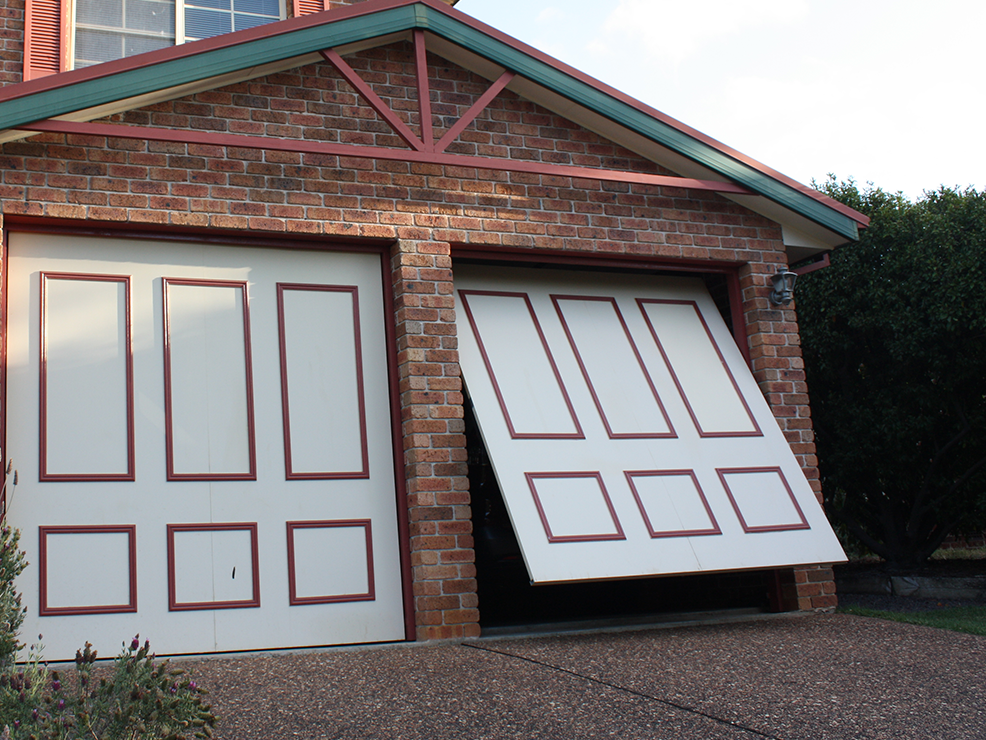
A tilt door is a published limitation
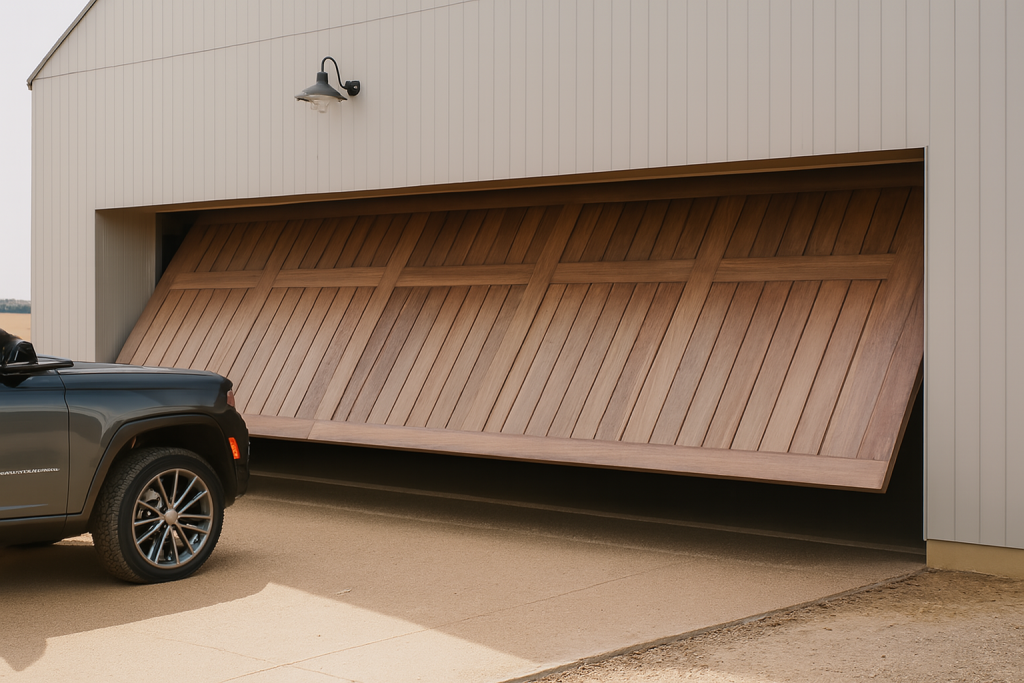
Merlin states that the M828AU myQ Gateway is not compatible with tilt garage doors. This is why the specific door matters even where a neighbouring home or online review describes a successful smart-garage setup.
The gateway needs a real-world assessment
The gateway is part of the physical garage environment, with power, network and communication considerations. Merlin says M828AU performance depends on radio-frequency communication, so walls, metal, distance and stored items can affect the result.
Do not treat Wi-Fi strength as the only measure
A phone may have a strong signal in the house while gateway-to-opener communication has other constraints. Show the proposed location, relevant structural features and existing equipment to a technician before any decision is made.
Confirm safety requirements with the setup
Merlin identifies separately available Safety IR Beams for M828AU full functionality. Ask what is required for the intended door and equipment. Never cover a beam, bypass a device or change settings to make an app command work.
Plan individual access rather than account sharing
Where applicable myQ features allow it, use official access controls for the people who need them. Review access after a household or device change. Do not share a master password, recovery code or phone unlock code.
Keep normal entry available
Phone control is useful only while the relevant system is available. Retain appropriate authorised controls and the exact product documentation. If connectivity drops, record what happened rather than attempting resets that could affect the door’s own operation.
Use a clear safety boundary
Remote access does not replace a clear opening or normal door behaviour. Do not operate remotely when you cannot reasonably establish that people, pets, vehicles and objects are clear; arrange help for any abnormal mechanical operation.
myQ is not a general-purpose shortcut from a phone to any garage door. The starting point is the specific Merlin motor and the door it operates. Record the motor model from a safe position, identify the door type and use the current Merlin compatibility material before buying a gateway or planning an app account. This separates an evidence-based decision from an assumption drawn from the brand name, a neighbour’s installation or a product advertisement.
The door’s condition matters before connectivity is discussed. A door with visible damage, uneven travel, new noise or unexpected reversal is not made suitable by a connected accessory. Keep the doorway clear, stop normal operation and arrange an assessment. Do not use changing phone commands, resets or settings as a way to test an abnormal door.
Home Wi-Fi is one part of a connected arrangement, but it is not the only consideration. Merlin’s published M828AU information refers to radio-frequency communication, so the garage layout, structural walls, metal surfaces, stored goods and the relationship between components may matter. A strong phone signal in the kitchen does not prove that the documented arrangement will perform as expected at the opener.
Describe the actual garage rather than relying on a distance estimate. Point out fixed storage, the location of the router or network equipment, the power outlet and anything that cannot be moved. A technician can consider those facts with the approved product information. Avoid placing temporary equipment, altering wiring or making permanent changes before eligibility and installation requirements are confirmed.
Connected access deserves the same care as physical remotes. Establish who owns the account, which household members need access and what should happen when a phone is replaced, a vehicle is sold or an occupant leaves. Use individual official access options where documented and avoid sharing an account password, recovery code or phone unlock code. A short device-and-user record can support future changes without exposing private credentials.
Notifications and activity information, where available for the documented setup, should be treated as useful context rather than a diagnosis. They cannot establish why a door moved unusually, whether an opening is clear or whether an access event was expected. Household supervision and normal door safety habits still apply.
A connected feature is most useful when it complements, rather than replaces, ordinary authorised access. Keep compatible controls and the exact manual available. If an app or network service is unavailable, record the symptom and use the model-specific support route. Do not respond by bypassing safety devices, adjusting force settings or carrying out mechanical work on the door.
Before work is arranged, ask the installer to identify the motor, the documented gateway or kit, the expected account ownership and any safety equipment that applies. A clear scope helps the household understand what has been checked and avoids treating a future app issue as proof that the door itself is at fault.
Eastern Garage Doors can help Melbourne homeowners discuss the door, motor model and intended use before selecting Merlin equipment. Contact the Eastern Garage Doors team with the model details and a short description of the question. Do not operate or adjust a door that has visible damage or is behaving abnormally.